Best Browsers for Streaming TeraBox Videos in 2026

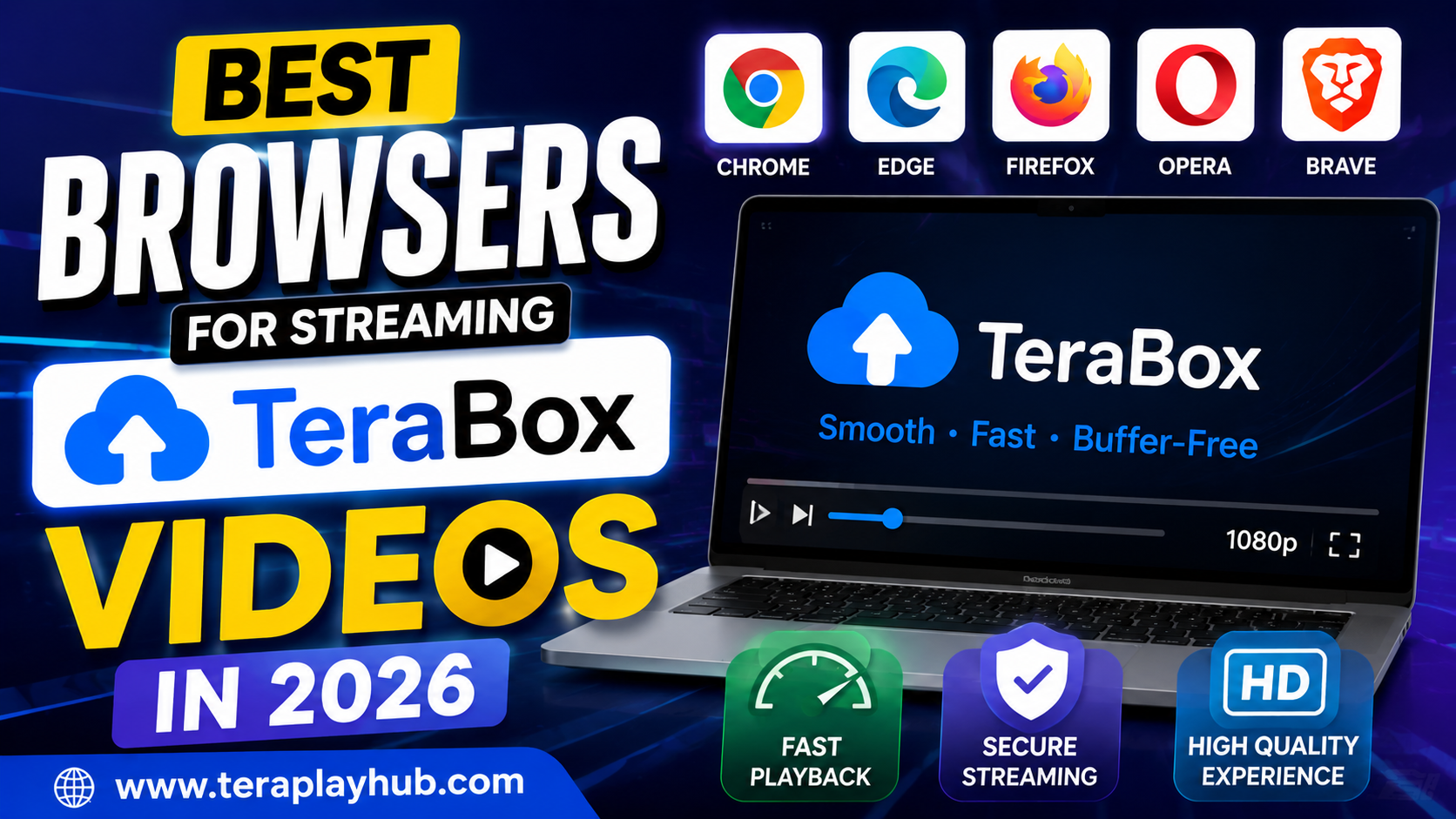
Best Browsers for Streaming TeraBox Videos in 2026
Streaming videos online should feel smooth, fast, and frustration-free. But many TeraBox users experience problems like buffering, slow loading, video lag, or playback errors — and surprisingly, the browser you use can make a huge difference.
Some browsers handle cloud video streaming much better than others. In 2026, modern browsers come with different optimization features, memory usage, video decoding systems, and security technologies that directly affect streaming quality.
In this detailed comparison guide, we’ll explore the best browsers for streaming TeraBox videos smoothly on both mobile and desktop devices. Whether you use Windows, Android, macOS, or Linux, this guide will help you choose the right browser for the best TeraBox experience.
Why Browser Choice Matters for TeraBox Streaming
Many users think buffering problems are only related to internet speed, but browsers also play an important role.
A good browser can:
- Load videos faster
- Reduce buffering
- Improve HD playback
- Use less RAM
- Handle cloud streaming efficiently
- Improve battery performance on laptops
On the other hand, outdated or poorly optimized browsers may cause:
- Playback lag
- Freezing
- High CPU usage
- Slow loading times
- Audio sync problems
That’s why choosing the right browser matters more than most people realize.
What Makes a Browser Good for Streaming?
Before comparing browsers, let’s understand the most important features for smooth streaming.
1. Fast Video Decoding
Modern browsers use hardware acceleration to process videos efficiently. This reduces lag and improves playback quality.
2. Low RAM Usage
Browsers that consume too much memory can slow down streaming, especially on older devices.
3. Stable Performance
Good browsers maintain smooth playback even when multiple tabs are open.
4. Better Compatibility
Some browsers work better with cloud storage websites and streaming platforms.
5. Efficient Cache Management
Browsers with optimized caching systems can load repeated videos faster.
1. Google Chrome – Best Overall for TeraBox
Why Chrome Performs Well
Google Chrome remains one of the best browsers for TeraBox streaming in 2026 because of its strong video engine, wide compatibility, and fast loading performance.
Chrome works smoothly with most cloud platforms and supports advanced video technologies.
Main Advantages
- Fast video buffering
- Excellent HD playback
- Strong extension support
- Frequent updates
- Good compatibility with TeraBox
Downsides
Chrome can use high RAM on low-end devices, especially when many tabs are open.
Best For
- Windows users
- High-speed internet users
- Desktop streaming
- Full HD playback
2. Microsoft Edge – Best for Windows Performance
Microsoft Edge has improved dramatically over the last few years and is now one of the best browsers for streaming videos.
Because Edge is optimized for Windows systems, it often performs better than Chrome on laptops and lower-end PCs.
Why Edge is Good for TeraBox
- Lower battery usage
- Efficient RAM management
- Smooth video playback
- Faster startup speed
Many users notice fewer buffering issues on Edge compared to older browsers.
Best For
- Windows laptops
- Battery-saving streaming
- Older computers
- Smooth everyday playback
3. Mozilla Firefox – Best Privacy-Focused Browser
Firefox is popular among users who value privacy and lightweight browsing.
Its modern engine performs well for TeraBox streaming, especially on mid-range devices.
Advantages
- Strong privacy protection
- Lower tracking
- Smooth performance
- Stable playback
Possible Downsides
Some websites occasionally optimize features more for Chrome-based browsers, which can cause small compatibility differences.
Best For
- Privacy-focused users
- Medium-spec devices
- General streaming
4. Opera – Best for Slow Internet Connections
Opera includes built-in optimization features that can help users with slower internet speeds.
It also includes:
- Built-in VPN
- Ad blocker
- Data-saving features
Why Opera Works Well
Opera can reduce unnecessary background loading and improve performance on weaker internet connections.
Best For
- Slow internet users
- Lightweight browsing
- Budget smartphones
- Older laptops
5. Brave – Best Lightweight Streaming Browser
Brave has become increasingly popular because of its speed and lightweight performance.
By blocking many trackers and ads automatically, Brave often loads pages faster than traditional browsers.
Advantages
- Fast loading speed
- Reduced background tracking
- Lower resource usage
- Smooth streaming performance
Downsides
Some websites may occasionally require shields or blockers to be adjusted manually.
Best For
- Fast lightweight browsing
- Privacy lovers
- Smooth multitasking
Browser Comparison Table
| Browser | Speed | RAM Usage | Streaming Quality | Best Feature |
|---|---|---|---|---|
| Chrome | Excellent | High | Excellent | Compatibility |
| Edge | Excellent | Medium | Excellent | Windows Optimization |
| Firefox | Very Good | Medium | Very Good | Privacy |
| Opera | Good | Low | Good | Slow Internet Optimization |
| Brave | Very Good | Low | Very Good | Lightweight Performance |
Best Browser for Android TeraBox Streaming
Mobile performance is different from desktop performance.
For Android users, these browsers generally work best:
Recommended Android Browsers
Chrome
Best overall compatibility and stable playback.
Brave
Excellent speed and low background usage.
Opera
Helpful for slower internet connections.
Best Browser for Low-End PCs
If your computer has:
- 4GB RAM
- Older processor
- Slow hard drive
then lightweight browsers work better.
Recommended Choices
- Microsoft Edge
- Brave
- Opera
These browsers usually consume fewer system resources.
Tips to Improve TeraBox Streaming in Any Browser
Even the best browser can struggle if your settings are not optimized.
1. Keep Browser Updated
Old browser versions may contain bugs and poor video optimization.
Always install updates regularly.
2. Clear Cache Occasionally
Large cache files can sometimes slow browser performance.
Clear:
- Cached images
- Cookies
- Temporary files
once every few weeks.
3. Disable Unnecessary Extensions
Too many extensions can reduce streaming speed.
Especially remove:
- Heavy ad blockers
- Unused toolbars
- Suspicious plugins
4. Enable Hardware Acceleration
Hardware acceleration improves video rendering performance.
Chrome Example
- Open Settings
- Search “Hardware Acceleration”
- Enable the option
- Restart browser
5. Close Unused Tabs
Multiple open tabs consume memory and internet bandwidth.
Closing unused tabs often improves streaming smoothness immediately.
Which Browser Has the Least Buffering?
Based on overall performance in 2026:
Best Overall:
Google Chrome
Best Lightweight Option:
Brave
Best for Windows:
Microsoft Edge
Best for Slow Internet:
Opera
Best for Privacy:
Firefox
The best choice depends on your device and internet quality.
Common Browser Mistakes That Cause Buffering
Many users accidentally reduce browser performance without realizing it.
Common Problems
- Using outdated browsers
- Installing too many extensions
- Running dozens of tabs
- Ignoring browser updates
- Using old operating systems
Avoiding these issues can improve TeraBox playback significantly.
Final Thoughts
The browser you choose can directly affect how smoothly TeraBox videos play. While internet speed remains important, browser optimization, RAM usage, video decoding, and compatibility also play major roles.
In 2026, Chrome and Edge remain the strongest overall choices for most users, while Brave and Opera provide excellent alternatives for lightweight or slower devices.
If you experience buffering or playback issues on TeraBox, testing a different browser may solve the problem faster than you expect.
Frequently Asked Questions (FAQ)
Which browser is best for TeraBox streaming?
Google Chrome and Microsoft Edge are currently among the best browsers for smooth TeraBox streaming.
Does browser affect video buffering?
Yes, browser optimization, memory usage, and video decoding directly affect playback performance.
Is Brave better than Chrome for streaming?
Brave is lighter and faster on some devices, but Chrome usually provides broader compatibility.
Why does TeraBox lag on Firefox?
Lag may happen due to extensions, outdated browser versions, or system resource limitations.
Which browser uses the least RAM?
Brave and Opera generally use less RAM compared to Chrome.
Should I clear browser cache for better streaming?
Yes, clearing cache occasionally can improve browser performance and video loading speed.
Most Popular Posts

How to Use TeraBox on Smart TV (Samsung, Android TV & Fire TV)
TeraBox for PC: Web Version vs Desktop App (Complete 2026 Comparison Guide)
How to Share TeraBox Files Safely in 2026 (Private Links, Passwords & Security Tips)

TeraBox Storage Full? How to Clean Up and Manage 1TB Data Efficiently
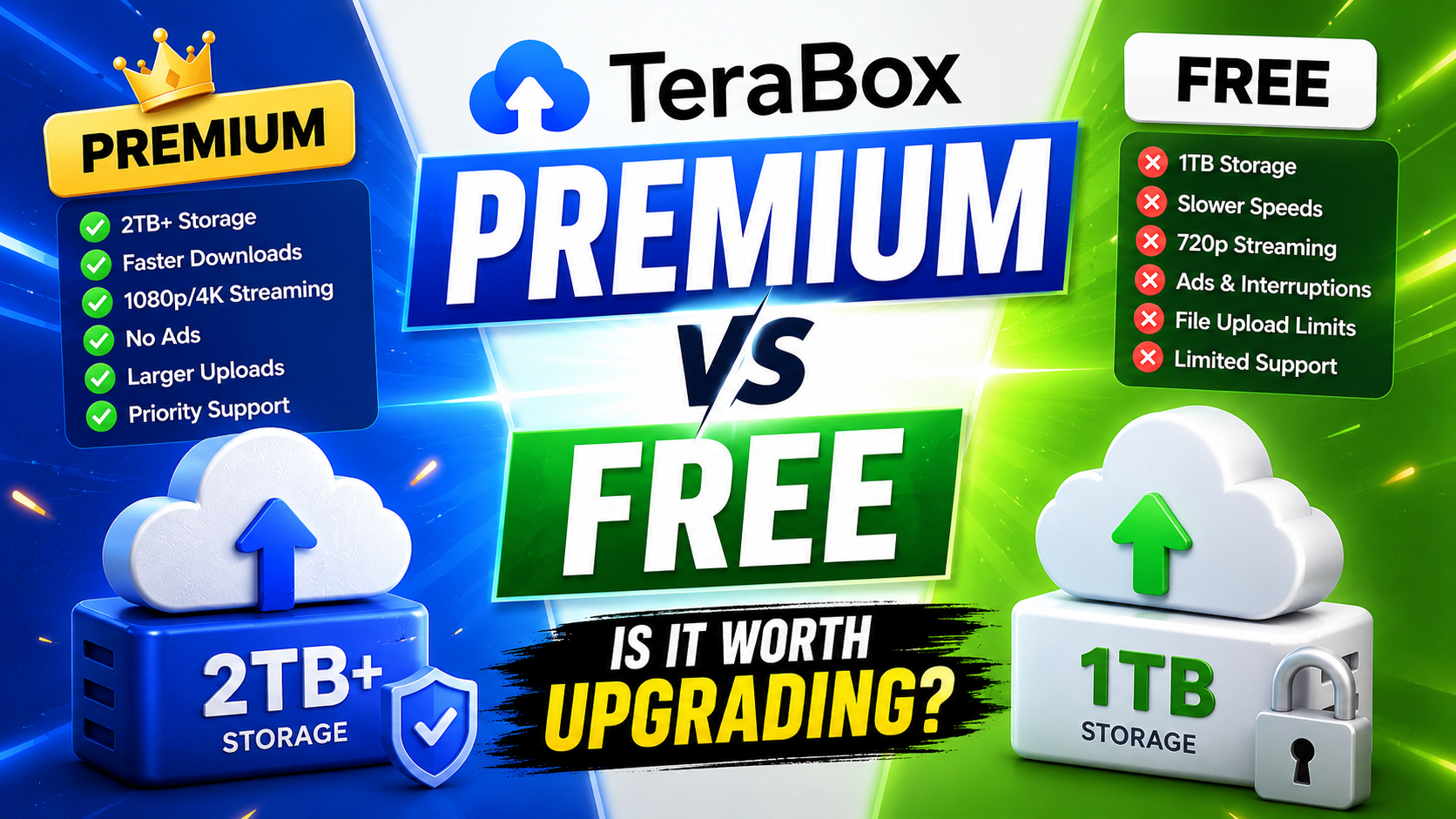
TeraBox Free vs Premium: Is Upgrading Really Worth It in 2026?