Best Free Antivirus Apps for Android in 2026 (Safe & Tested)

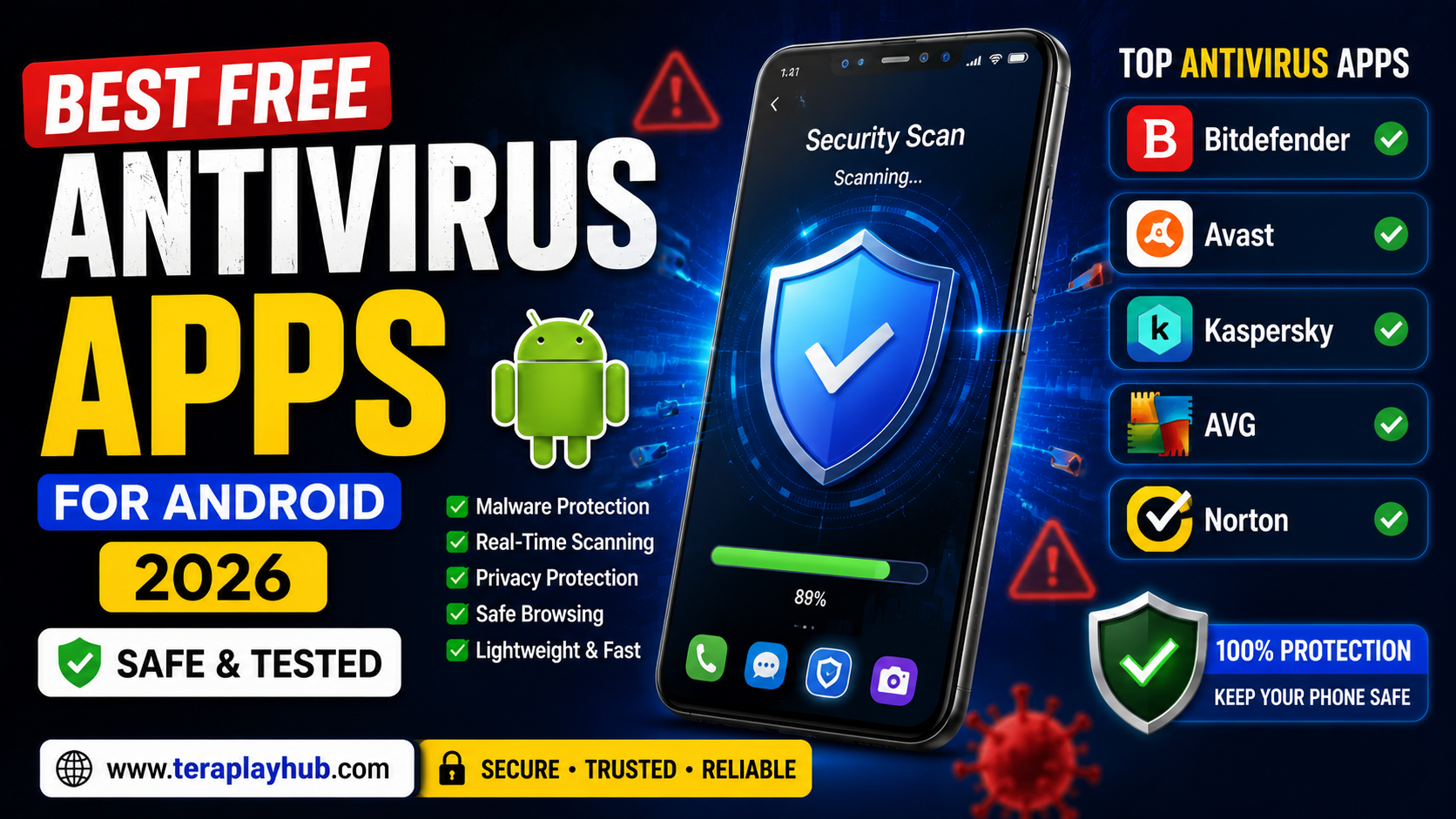
Best Free Antivirus Apps for Android in 2026 (Safe & Tested)
Android smartphones are now used for almost everything:
- Banking
- Social media
- Shopping
- Cloud storage
- Personal photos
- Work documents
- Online payments
As mobile usage increases, Android security threats are also growing rapidly.
Many users face problems like:
- Malware apps
- Fake APK files
- Spyware
- Phishing links
- Dangerous downloads
- Privacy tracking
That is why antivirus apps have become more important in 2026.
But many users still ask an important question:
“Do Android phones really need antivirus apps?”
The answer depends on how you use your device.
In this complete beginner-friendly guide, we tested and compared the best free antivirus apps for Android in 2026.
This article covers:
- Security features
- Performance impact
- Malware protection
- Privacy tools
- Real-time scanning
- Pros and cons
Everything is explained in simple language.
Do Android Phones Need Antivirus Apps?
Modern Android phones already include built-in security protections.
Google Play Protect scans apps automatically.
However, antivirus apps become useful if you:
- Install APK files manually
- Download files from unknown websites
- Use public WiFi frequently
- Store sensitive data
- Browse risky websites
Extra security layers can help prevent malware infections.
What Makes a Good Antivirus App?
A good Android antivirus should provide:
- Malware scanning
- Real-time protection
- Safe browsing tools
- Privacy protection
- Low battery usage
- Minimal ads
Heavy or fake antivirus apps can actually slow devices down.
Best Free Antivirus Apps for Android in 2026
After testing multiple security apps, these are the best options for most users.
1. Bitdefender Antivirus Free
Overview
Bitdefender remains one of the most trusted antivirus solutions worldwide.
Its Android version focuses on lightweight malware protection without slowing devices heavily.
Main Features
- Malware scanning
- Real-time protection
- Fast performance
- Minimal battery usage
Advantages
Very Lightweight
Bitdefender runs smoothly even on budget Android phones.
Strong Malware Detection
It performs extremely well against dangerous apps and suspicious files.
Clean User Interface
The app feels simple and beginner-friendly.
Disadvantages
- Some advanced tools require premium version
- Limited extra features in free plan
Best For
- Beginners
- Budget phones
- Lightweight protection
2. Avast Mobile Security
Overview
Avast is one of the most popular Android security apps.
It combines:
- Antivirus protection
- Privacy tools
- Device optimization
inside one app.
Main Features
- Virus scanning
- WiFi security checks
- App lock
- Junk cleaner
- Privacy alerts
Advantages
Feature-Rich Free Version
Avast includes many tools without requiring payment.
Good Malware Detection
The app performs well against suspicious apps and phishing threats.
Helpful Security Alerts
It warns users about risky permissions and unsafe websites.
Disadvantages
- More ads compared to some competitors
- Can feel slightly heavy on older devices
Best For
- General Android users
- Privacy-focused users
- Multi-feature protection
3. Kaspersky Mobile Antivirus
Overview
Kaspersky is known for strong security research and reliable malware protection.
Its Android app remains one of the safest options in 2026.
Main Features
- Malware scanning
- Anti-phishing protection
- App lock
- Safe browsing tools
Advantages
Excellent Detection Rates
Kaspersky performs very well against malicious apps.
Strong Privacy Protection
Helps protect personal information from suspicious activity.
Smooth User Experience
The app interface feels modern and stable.
Disadvantages
- Some premium tools locked
- Background scans can consume resources on low-end phones
Best For
- Security-conscious users
- Business users
- Sensitive data protection
4. AVG Antivirus Free
Overview
AVG shares similar technology with Avast but offers a slightly different user experience.
Main Features
- Virus scanning
- Privacy protection
- Performance optimization
- WiFi security checks
Advantages
Easy to Use
Very beginner-friendly interface.
Good Security Features
Provides solid protection for normal Android users.
Useful Performance Tools
Includes cleanup and optimization features.
Disadvantages
- Ads in free version
- Some tools require upgrade
Best For
- Everyday users
- Basic phone protection
- Beginners
5. Norton Mobile Security
Overview
Norton remains a trusted name in cybersecurity.
Its Android security app focuses heavily on privacy and safe browsing.
Main Features
- Threat detection
- Web protection
- Risk alerts
- Secure browsing tools
Advantages
Strong Reputation
Norton has years of cybersecurity experience.
Safe Browsing Protection
Helps block phishing websites and dangerous links.
Good Security Monitoring
Alerts users about suspicious activity quickly.
Disadvantages
- Limited free features
- Premium plan encouraged heavily
Best For
- Safe browsing
- Online banking users
- Privacy-focused users
Best Lightweight Antivirus for Android
Some antivirus apps slow phones heavily.
If you want lightweight protection:
Best Choices
- Bitdefender
- Kaspersky
- Norton
These apps perform efficiently without excessive battery drain.
Best Antivirus for Low-End Android Phones
Budget devices require lightweight apps.
Recommended Options
| Antivirus | Why Good |
|---|---|
| Bitdefender | Very lightweight |
| AVG | Beginner-friendly |
| Avast | Good free features |
Can Antivirus Apps Slow Down Phones?
Yes, some heavy security apps may:
- Reduce battery life
- Increase RAM usage
- Slow performance
This is why lightweight apps are important.
Warning About Fake Antivirus Apps
Many fake security apps exist on the Play Store and unofficial APK websites.
Some fake apps may:
- Show excessive ads
- Steal data
- Track users
- Install malware
Always download apps from trusted developers.
Is Google Play Protect Enough?
Google Play Protect provides basic security scanning.
For normal users who only use official apps, it may be sufficient.
However, antivirus apps provide additional:
- Malware detection
- Privacy tools
- Safe browsing
- Device monitoring
Best Security Habits for Android Users
Even the best antivirus cannot fully protect unsafe behavior.
Good security habits matter most.
Important Safety Tips
- Avoid unknown APK files
- Keep apps updated
- Use strong passwords
- Enable two-factor authentication
- Avoid suspicious links
- Download apps only from trusted sources
These habits improve security significantly.
Best Free Antivirus Comparison Table
| Antivirus | Best Feature | Lightweight | Good for Beginners |
|---|---|---|---|
| Bitdefender | Malware protection | Yes | Yes |
| Avast | Extra features | Medium | Yes |
| Kaspersky | Security strength | Yes | Medium |
| AVG | Simplicity | Medium | Yes |
| Norton | Safe browsing | Yes | Medium |
Which Antivirus Should You Choose?
The best choice depends on your needs.
| Need | Best Choice |
|---|---|
| Lightweight protection | Bitdefender |
| Extra features | Avast |
| Strong security | Kaspersky |
| Beginner-friendly | AVG |
| Safe browsing | Norton |
There is no perfect antivirus for everyone.
Frequently Asked Questions
Are free antivirus apps safe?
Trusted antivirus apps from well-known companies are generally safe.
Which antivirus is best for Android in 2026?
Bitdefender and Kaspersky remain among the strongest choices.
Do Android phones get viruses?
Yes, especially from fake APK files and unsafe websites.
Can antivirus apps improve phone performance?
Some apps include optimization tools, but security should remain the main purpose.
Final Words
Android security has become more important than ever in 2026.
As mobile threats continue increasing, choosing a trusted antivirus app can help protect:
- Personal data
- Banking information
- Photos
- Cloud accounts
- Private files
For most users, lightweight antivirus apps like Bitdefender or Kaspersky provide excellent protection without slowing devices heavily.
At the same time, safe browsing habits remain equally important.
No antivirus can fully protect unsafe online behavior.
We hope this detailed guide helped you choose the best free antivirus app for Android in 2026.
Most Popular Posts

How to Use TeraBox on Smart TV (Samsung, Android TV & Fire TV)

TeraBox for PC: Web Version vs Desktop App (Complete 2026 Comparison Guide)

TeraBox Storage Full? How to Clean Up and Manage 1TB Data Efficiently
How to Share TeraBox Files Safely in 2026 (Private Links, Passwords & Security Tips)
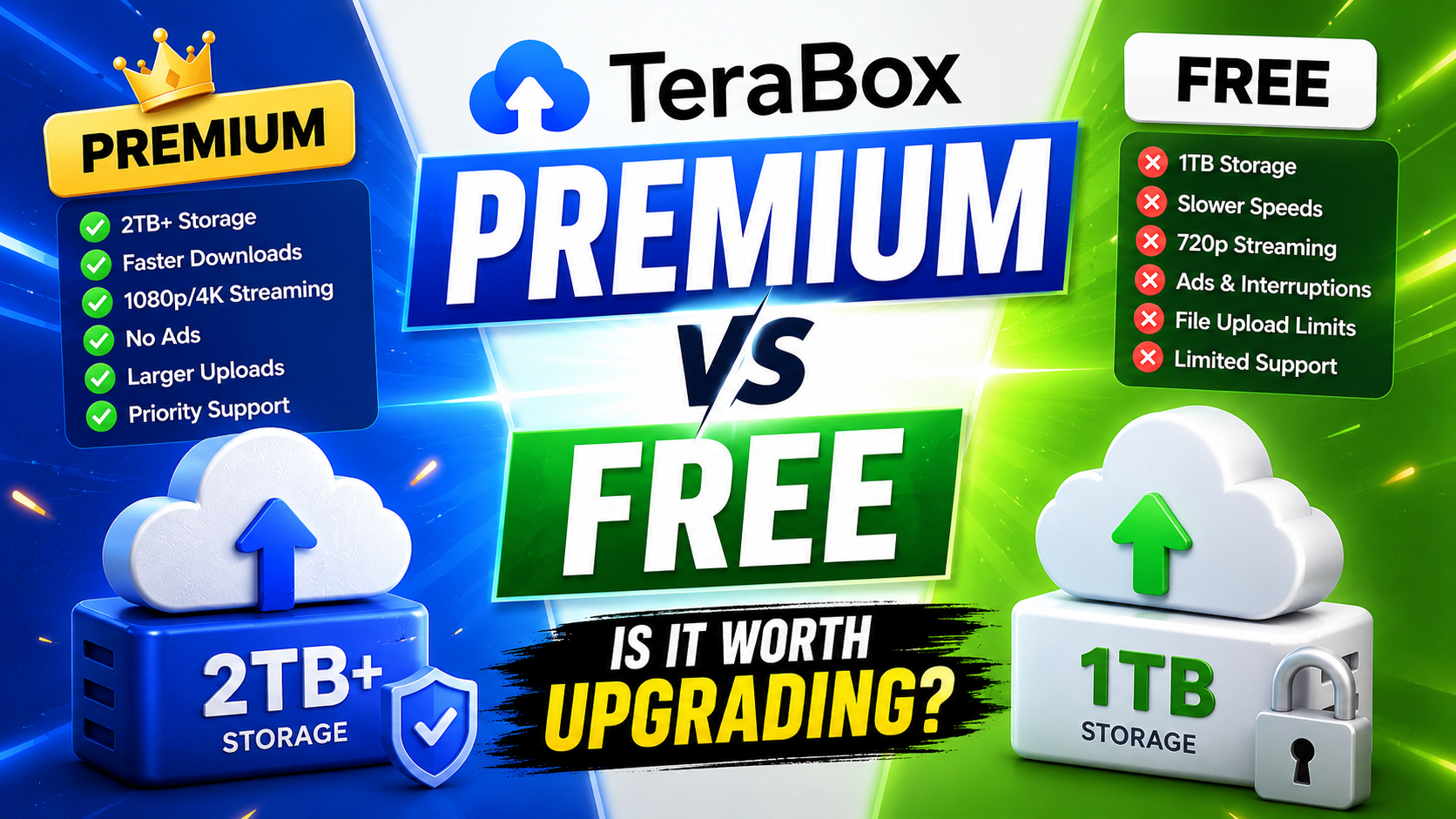
TeraBox Free vs Premium: Is Upgrading Really Worth It in 2026?