Best Subtitle Apps for Android & PC in 2026

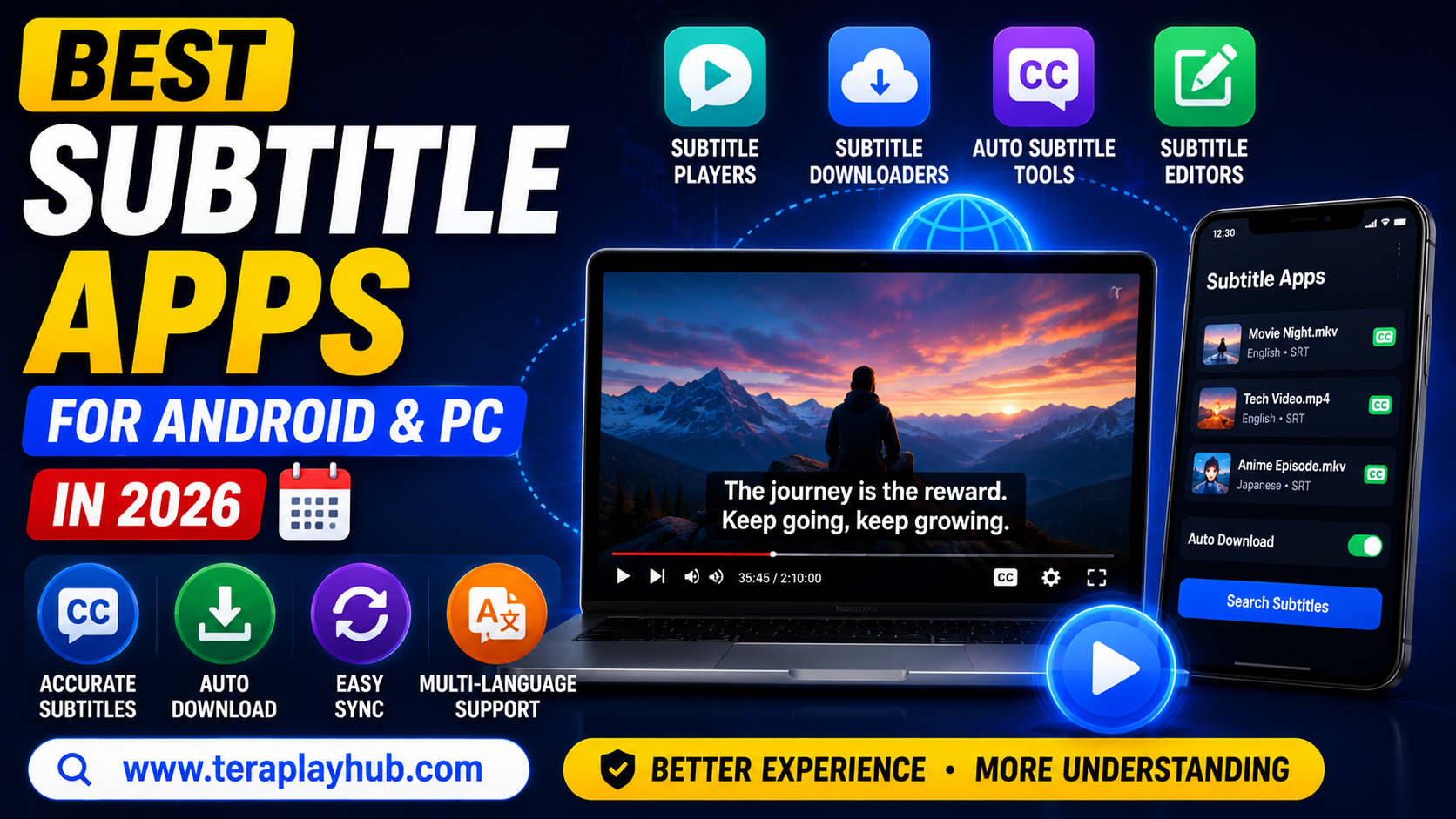
Best Subtitle Apps for Android & PC in 2026
Subtitles have become extremely important for modern entertainment. Whether you watch:
- Movies
- Web series
- Anime
- Tutorials
- Foreign-language videos
good subtitles improve the overall viewing experience significantly.
Many users also prefer subtitles because they help:
- Understand unclear dialogue
- Learn new languages
- Watch videos quietly
- Improve accessibility
But not all subtitle apps work smoothly.
Some apps have:
- Poor subtitle syncing
- Missing subtitle support
- Too many ads
- Bad user interface
To help users choose the best option, we tested and compared some of the most popular subtitle apps for Android and PC in 2026.
This guide covers:
- Best subtitle download apps
- Subtitle syncing tools
- Subtitle players
- Auto subtitle generators
- Subtitle editing software
Everything is explained in beginner-friendly language.
What is a Subtitle App?
A subtitle app helps users:
- Download subtitles
- Sync subtitles
- Generate subtitles
- Edit subtitle timing
- Display subtitles during playback
These apps are useful for movies, TV shows, tutorials, and online videos.
Why Subtitle Apps Are Important
Subtitle apps improve the viewing experience in many ways.
Main Benefits
- Better understanding
- Language learning
- Accessibility support
- Quiet viewing
- Improved focus
Subtitles are especially useful when audio quality is poor.
Best Subtitle Apps for Android in 2026
Let’s start with Android apps first.
1. MX Player
MX Player is one of the most popular Android video players with strong subtitle support.
Main Features
- Automatic subtitle download
- Subtitle gesture control
- Multiple subtitle formats
- Smooth playback
Supported Formats
- SRT
- SUB
- SSA
- ASS
Why Users Like It
MX Player makes subtitle syncing very easy for beginners.
Users can quickly:
- Adjust subtitle timing
- Change subtitle size
- Modify subtitle color
Best For
- Movie lovers
- Anime viewers
- HD video playback
2. VLC Media Player
VLC remains one of the best free subtitle-supported players.
Main Features
- Built-in subtitle support
- Online subtitle search
- Hardware acceleration
- Cross-platform support
Advantages
- Completely free
- Lightweight
- No codec issues
- Supports almost all video formats
Why VLC is Popular
VLC works smoothly even on low-end devices.
It also handles difficult subtitle formats very well.
3. KMPlayer
KMPlayer offers advanced subtitle customization.
Features
- Subtitle syncing
- Multi-language subtitles
- Playback speed control
- HD and 4K support
Best For
- Advanced users
- Custom subtitle styling
- High-quality video playback
4. BSPlayer
BSPlayer automatically searches subtitles online.
Advantages
- Automatic subtitle detection
- Low CPU usage
- Hardware decoding support
This makes it useful for older Android devices.
Best Subtitle Apps for PC in 2026
PC users usually require more advanced subtitle tools.
Here are the best options.
1. VLC Media Player (PC)
VLC remains one of the best subtitle players for Windows and PC users.
Main Advantages
- Subtitle synchronization
- External subtitle support
- Audio delay correction
- Wide codec compatibility
Why It Stands Out
VLC is reliable, lightweight, and completely free.
It remains one of the most trusted media players worldwide.
2. PotPlayer
PotPlayer is extremely popular among advanced users.
Features
- Subtitle customization
- Auto subtitle download
- GPU acceleration
- Smooth 4K playback
Best For
- Power users
- High-performance playback
- Advanced subtitle control
3. MPC-HC (Media Player Classic)
MPC-HC is lightweight and fast.
Advantages
- Low system usage
- Excellent subtitle rendering
- Stable performance
Perfect for older PCs.
4. Subtitle Edit
Subtitle Edit is not a video player.
It is a subtitle editing software.
What It Can Do
- Create subtitles
- Edit timing
- Fix synchronization
- Translate subtitles
Best For
- Content creators
- Editors
- YouTubers
Best Subtitle Formats Explained
Different subtitle apps support different formats.
Here are the most common ones.
| Format | Usage |
|---|---|
| SRT | Most common |
| ASS | Styled subtitles |
| SUB | Older subtitle format |
| SSA | Advanced subtitle styling |
SRT remains the most widely supported format.
Auto Subtitle Download Apps
Some apps automatically find subtitles online.
Best Auto Subtitle Apps
- MX Player
- VLC
- BSPlayer
- PotPlayer
These apps save time and improve convenience.
How to Fix Subtitle Delay Problems
Subtitle delay is a very common issue.
Sometimes subtitles appear:
- Too early
- Too late
Easy Fix Methods
Most video players allow manual syncing.
Example:
- Increase subtitle delay
- Decrease subtitle delay
until timing matches audio.
Best Subtitle Settings for Better Viewing
Here are some recommended subtitle settings.
| Setting | Recommended |
|---|---|
| Font Size | Medium |
| Font Color | White |
| Background | Semi-transparent black |
| Position | Bottom center |
These settings improve readability.
Subtitle Apps for Language Learning
Subtitles are extremely useful for language learners.
Watching videos with subtitles helps improve:
- Listening skills
- Vocabulary
- Pronunciation
- Reading speed
Many users learn English faster using subtitles.
Subtitle Apps for Anime Fans
Anime viewers often require advanced subtitle support.
Anime subtitles sometimes include:
- Styled text
- Color effects
- Karaoke effects
Apps like VLC and PotPlayer handle these formats well.
Offline vs Online Subtitles
Offline Subtitles
Stored locally on device.
Advantages:
- Faster loading
- No internet needed
- More stable playback
Online Subtitles
Downloaded from internet automatically.
Advantages:
- Convenient
- Easy to access
- Large subtitle libraries
Both methods are useful in different situations.
Things to Check Before Choosing a Subtitle App
Before selecting an app, consider:
- Subtitle support
- Playback performance
- Ads
- UI design
- Hardware acceleration
- Sync options
Good subtitle apps should feel smooth and easy to use.
Best Subtitle App Comparison Table
| App | Platform | Best Feature |
|---|---|---|
| MX Player | Android | Easy subtitle sync |
| VLC | Android & PC | Universal support |
| KMPlayer | Android | Advanced controls |
| PotPlayer | PC | Powerful customization |
| Subtitle Edit | PC | Subtitle editing |
Frequently Asked Questions
Which is the best subtitle app for Android?
MX Player and VLC are among the best subtitle-supported apps.
Which subtitle format is best?
SRT is the most widely supported subtitle format.
Can VLC download subtitles automatically?
Yes, VLC supports online subtitle search.
Which subtitle app is best for PC?
VLC and PotPlayer are excellent choices for PC users.
Final Verdict
Subtitle apps greatly improve the video watching experience in 2026.
Whether you watch:
- Movies
- Anime
- Web series
- Educational videos
good subtitle support makes content easier to understand and more enjoyable.
For most users:
- VLC is the best all-rounder
- MX Player is excellent for Android
- PotPlayer is great for advanced PC users
- Subtitle Edit is perfect for editing subtitles
The best app depends on your own viewing habits and device type.
We hope this detailed guide helped you find the best subtitle apps for Android and PC in 2026.
Most Popular Posts
How to Use TeraBox on Smart TV (Samsung, Android TV & Fire TV)
TeraBox for PC: Web Version vs Desktop App (Complete 2026 Comparison Guide)
TeraBox Storage Full? How to Clean Up and Manage 1TB Data Efficiently
How to Share TeraBox Files Safely in 2026 (Private Links, Passwords & Security Tips)
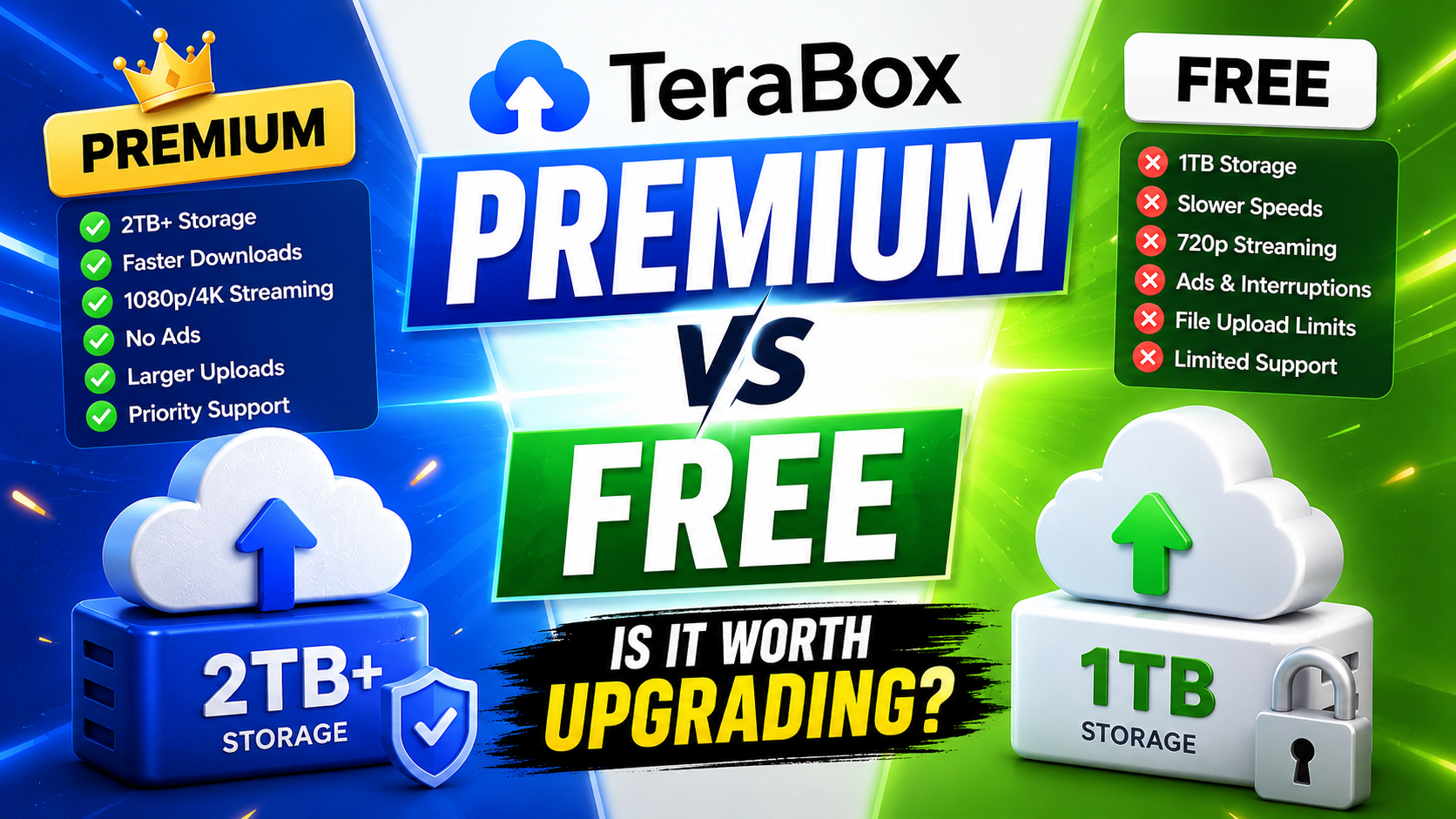
TeraBox Free vs Premium: Is Upgrading Really Worth It in 2026?