Best Ways to Free Internal Storage on Android (2026 Complete Guide)

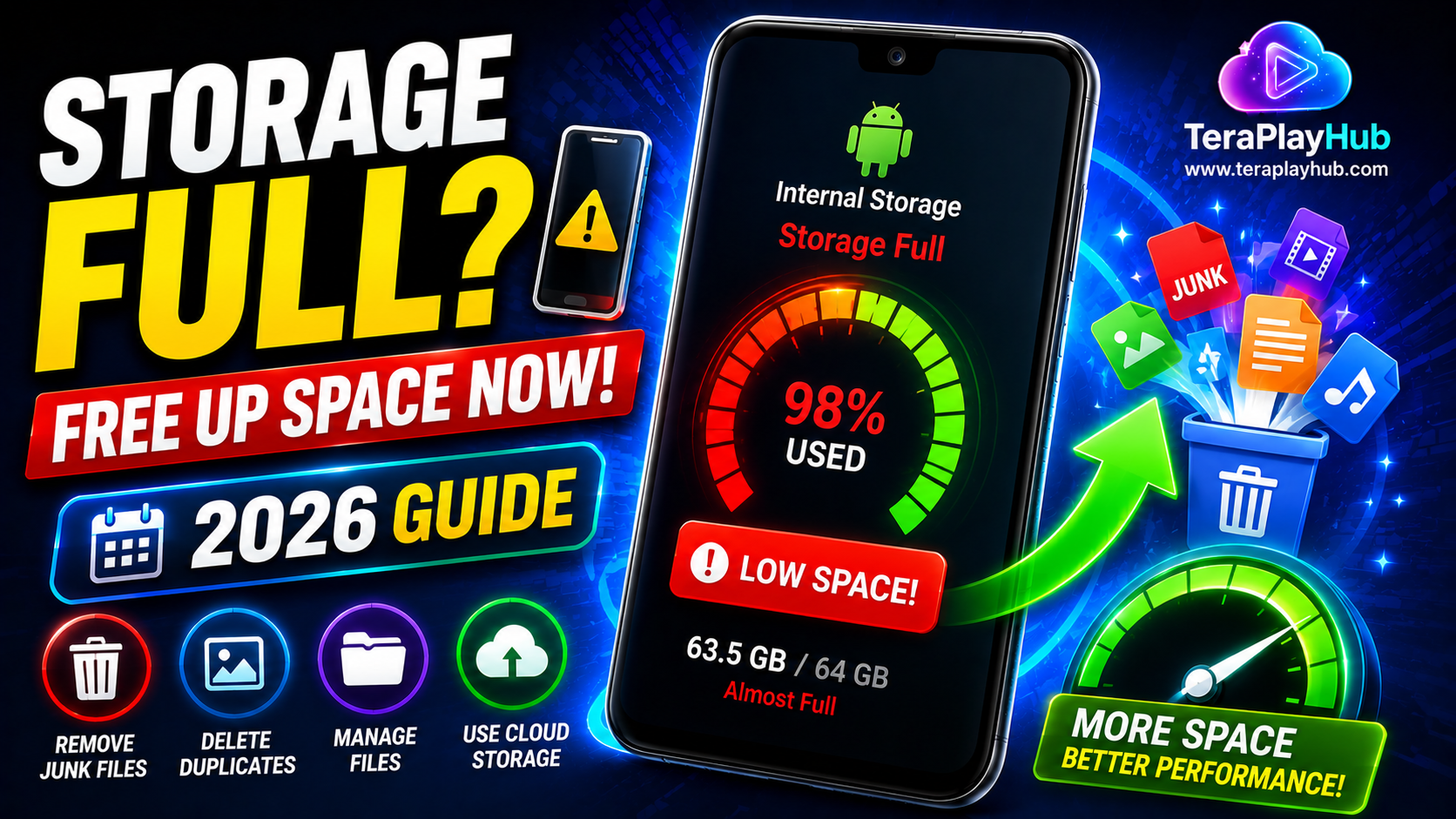
Best Ways to Free Internal Storage on Android (2026 Complete Guide)
One of the most common Android problems is running out of storage space. When internal storage becomes full, your phone may start slowing down, apps can crash, updates may fail, and overall performance can suffer.
The good news is that you usually don't need to buy a new phone immediately. With proper storage management, you can recover several gigabytes of space and improve your device's performance.
In this guide, you'll learn the most effective ways to free internal storage on Android phones in 2026.
Why Internal Storage Matters
Your phone uses internal storage for:
- Apps
- Photos
- Videos
- Downloads
- System files
- Cached data
When storage becomes nearly full, Android has less room to operate efficiently.
Common symptoms include:
- Slow performance
- App crashes
- Failed updates
- Camera errors
- Battery drain
Check What's Using Your Storage
Before deleting anything, identify what's consuming space.
Steps
- Open Settings
- Tap Storage
- Review categories
You'll typically see:
- Apps
- Images
- Videos
- Audio
- Documents
- System files
This helps determine where to focus your cleanup efforts.
1. Remove Unused Apps
Many users install apps they rarely use.
Unused apps can occupy:
- Hundreds of MBs
- Several GBs
How to Remove Apps
- Settings
- Apps
- Select app
- Tap Uninstall
Remove games and utilities you haven't used recently.
2. Clear App Cache
Apps store temporary files called cache.
Examples include:
- YouTube
- Chrome
Over time cache can consume gigabytes of storage.
Clear Cache
- Settings
- Apps
- Select app
- Storage
- Clear Cache
This is safe and does not delete personal data.
3. Delete Old Downloads
The Downloads folder is often forgotten.
Check for:
- PDFs
- APK files
- ZIP archives
- Images
- Videos
Many users recover several gigabytes from Downloads alone.
4. Remove Duplicate Photos
Duplicate images are surprisingly common.
Duplicates may come from:
- Telegram
- Multiple backups
- Screenshots
Use storage management apps to identify duplicates safely.
5. Delete Large Videos
Videos usually consume the most space.
Examples:
- Screen recordings
- 4K videos
- Downloaded movies
Sort files by size and remove unnecessary videos.
6. Use Files by Google
Files by Google is one of the best free storage management tools.
Features include:
- Junk file cleanup
- Duplicate detection
- Large file finder
- Storage recommendations
It's lightweight and easy to use.
7. Move Files to Cloud Storage
Cloud storage helps free local space while keeping files accessible.
Popular options include:
- Google Drive
- OneDrive
- Dropbox
- TeraBox
Move:
- Photos
- Videos
- Documents
to the cloud and delete local copies.
8. Empty Recycle Bin
Many gallery apps now include trash folders.
Deleted files may remain stored for:
- 30 days
- 60 days
Check:
- Gallery Trash
- Google Photos Bin
- File Manager Recycle Bin
and permanently remove unnecessary files.
9. Delete Offline Media
Streaming apps often store downloaded content.
Examples:
- Netflix
- Spotify
- YouTube
- Amazon Prime Video
Remove media you've already watched or listened to.
10. Remove Unused WhatsApp Media
Messaging apps can consume enormous storage.
WhatsApp often stores:
- Images
- Videos
- Voice messages
- Documents
Check Storage
WhatsApp → Settings → Storage and Data → Manage Storage
Delete large files you no longer need.
11. Transfer Files to a PC
If you don't want to delete important files:
- Connect phone to computer
- Copy photos and videos
- Store them safely
This instantly frees significant space.
12. Use an SD Card (If Supported)
Some Android phones support microSD cards.
Use them for:
- Photos
- Videos
- Music
- Documents
This reduces pressure on internal storage.
13. Remove Old Screenshots
Screenshots accumulate quickly.
Many users have hundreds of forgotten screenshots.
Review your screenshots folder and delete unnecessary images.
14. Delete Old APK Files
APK installers often remain after apps are installed.
Check Downloads and remove:
- Old APK files
- Installation packages
- Update files
15. Enable Automatic Storage Management
Many Android phones include built-in cleanup features.
Examples:
- Smart Storage
- Device Care
- Storage Manager
Enable automatic cleanup to prevent storage problems.
Best Storage-Saving Habits
To avoid future issues:
✅ Delete unwanted files weekly
✅ Backup photos regularly
✅ Avoid installing unnecessary apps
✅ Use cloud storage
✅ Clean Downloads folder monthly
✅ Review WhatsApp media
Common Mistakes to Avoid
Don't Delete System Files
System files are required for Android to function correctly.
Deleting them can cause serious problems.
Don't Use Fake Cleaner Apps
Some cleaner apps:
- Show excessive ads
- Make false promises
- Provide little value
Stick to trusted tools.
Don't Fill Storage to 100%
Keep at least:
10%–15% free space
for optimal performance.
Frequently Asked Questions
How much free storage should Android have?
At least 10–15% of total storage should remain available.
Does clearing cache improve performance?
Yes. Clearing excessive cache often improves responsiveness and frees storage.
Is cloud storage safe?
Reputable cloud services are generally safe when using strong passwords and security settings.
Can full storage slow down Android?
Yes. Nearly full storage is one of the most common causes of Android slowdowns.
Final Verdict
Running out of storage doesn't necessarily mean it's time to buy a new phone.
By:
- Removing unused apps
- Clearing cache
- Deleting large files
- Managing downloads
- Using cloud storage
- Organizing media
you can recover significant storage space and improve overall performance.
Regular storage maintenance keeps your Android phone faster, smoother, and more reliable throughout 2026 and beyond.
Most Popular Posts

How to Use TeraBox on Smart TV (Samsung, Android TV & Fire TV)

TeraBox for PC: Web Version vs Desktop App (Complete 2026 Comparison Guide)
Fix Video Audio Codec Problems on Android & Windows (2026)
TeraBox Storage Full? How to Clean Up and Manage 1TB Data Efficiently
How to Share TeraBox Files Safely in 2026 (Private Links, Passwords & Security Tips)