TeraBox Login Problems? Complete Fix Guide for 2026

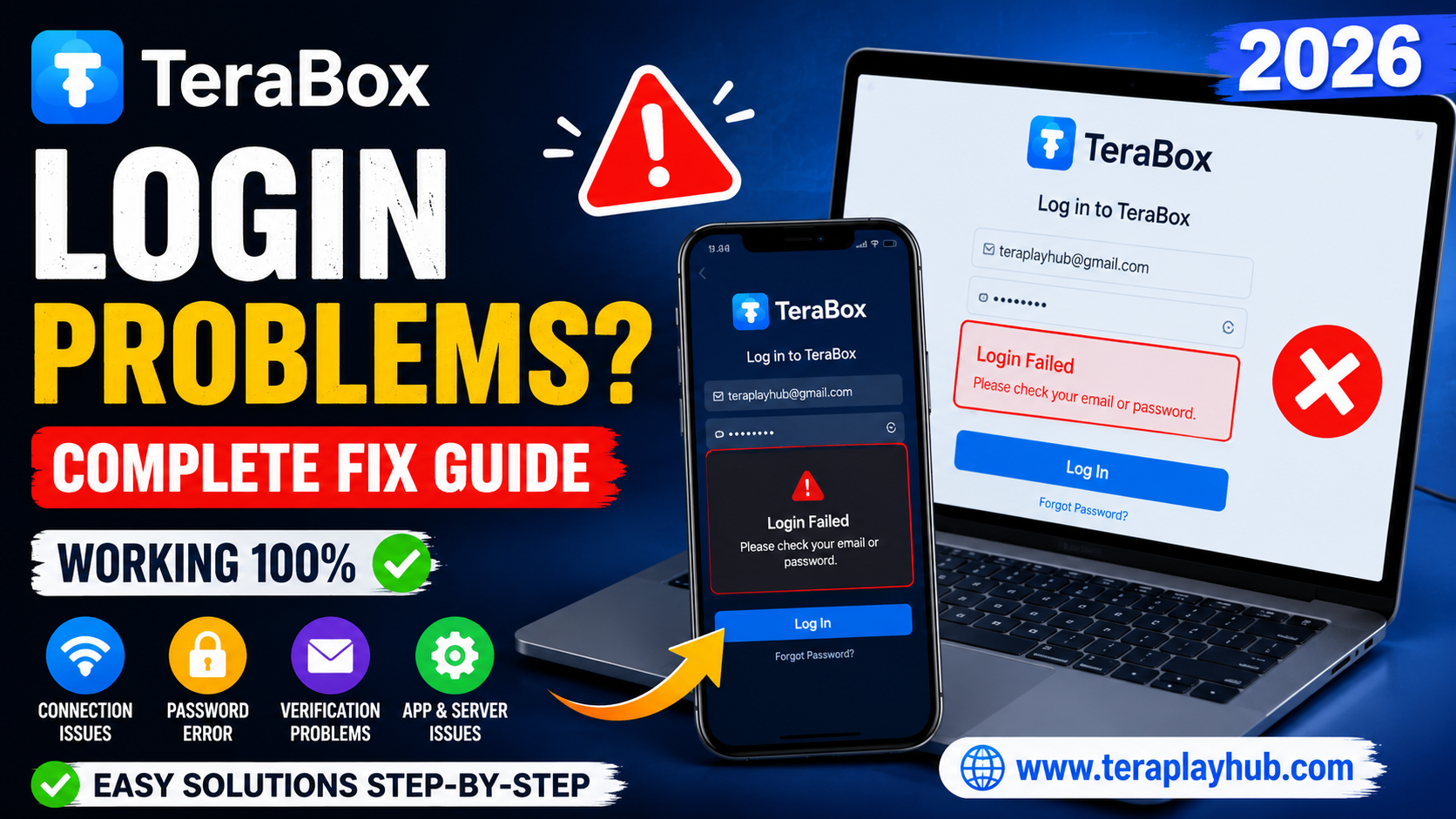
TeraBox Login Problems? Complete Fix Guide for 2026
TeraBox has become one of the most popular cloud storage platforms for storing videos, photos, documents, and backup files online. Millions of users use TeraBox daily for streaming and downloading content.
But sometimes users face frustrating login problems like:
- TeraBox not opening
- Login failed error
- Verification code issue
- Password incorrect problem
- App crashing during login
- Account not accessible
- Network connection errors
If you are facing any of these issues, don’t worry.
In this complete guide, we will explain all common TeraBox login problems and their working solutions in a simple and beginner-friendly way.
This guide is updated for 2026 and works for:
- Android
- iPhone
- Windows PC
- Smart TV
- Fire TV
- Web Browser users
Why TeraBox Login Problems Happen
Before fixing the issue, it is important to understand why login problems happen.
Common reasons include:
- Weak internet connection
- Wrong password
- Server issue
- App bugs
- Outdated app version
- Cache corruption
- VPN conflicts
- Device compatibility problems
Most login issues can be fixed within a few minutes.
1. Check Your Internet Connection First
A poor internet connection is one of the biggest reasons for TeraBox login failure.
How to Check
- Open YouTube or Google
- Test another app
- Restart your WiFi router
- Switch between WiFi and mobile data
If your internet is unstable, TeraBox may fail to connect to servers.
2. Verify Your Email and Password
Many users accidentally enter:
- Wrong password
- Wrong email
- Extra spaces
- Incorrect keyboard language
Fix
Carefully re-enter your login details.
If needed:
- Turn off auto-fill
- Use manual typing
- Check Caps Lock
- Reset password if forgotten
3. Reset Forgotten TeraBox Password
If you cannot remember your password, resetting it is very easy.
Steps to Reset Password
- Open TeraBox login page
- Click: Forgot Password
- Enter your registered email
- Check your email inbox
- Open password reset link
- Create a new password
Choose a strong password with:
- Letters
- Numbers
- Symbols
This improves account security.
4. Clear TeraBox App Cache
Corrupted cache files often cause login problems.
Android Steps
- Open Settings
- Go to Apps
- Select TeraBox
- Tap Storage
- Click:
- Clear Cache
- Clear Data
Now reopen the app and login again.
5. Update the TeraBox App
Using an old version can create compatibility and login issues.
Solution
Visit:
- Google Play Store
- Apple App Store
Search for TeraBox and update to the latest version.
Updated versions fix:
- Login bugs
- Security issues
- App crashes
- Verification problems
6. TeraBox Verification Code Not Received
Sometimes users do not receive OTP or verification emails.
Possible Reasons
- Email delay
- Spam folder filtering
- Server overload
- Wrong email address
Fix Methods
Check Spam Folder
Sometimes verification emails go to:
- Spam
- Promotions
- Junk folder
Wait for a Few Minutes
Server delays can happen during high traffic.
Wait 5 to 10 minutes.
Request a New Code
Click:
Resend Verification Code
and try again.
7. Disable VPN or Proxy
VPN services sometimes block TeraBox authentication servers.
Fix
Temporarily disable:
- VPN apps
- Proxy connections
- Private DNS services
Then try logging in again.
8. TeraBox App Crashing During Login
Some users report the app closing automatically while signing in.
Main Causes
- Low RAM
- Corrupted app files
- Outdated Android version
- Device compatibility issue
Working Solution
Step 1
Restart your phone.
Step 2
Update TeraBox.
Step 3
Free some storage space.
Step 4
Reinstall the app completely.
9. Reinstall TeraBox
If nothing works, reinstalling often solves hidden issues.
Steps
- Uninstall TeraBox
- Restart device
- Install latest version
- Login again
This fixes many system-level app problems.
10. Login Problem on Browser
Some users face login issues on Chrome or other browsers.
Solutions
Clear Browser Cache
Delete:
- Cookies
- Cache
- Saved login data
Try Another Browser
Use:
- Chrome
- Edge
- Firefox
- Opera
Sometimes browser extensions create conflicts.
Disable Ad Blockers
Some ad blockers can break login systems.
Temporarily disable them and retry.
11. TeraBox Account Temporarily Locked
If too many failed login attempts happen, TeraBox may temporarily block access.
What to Do
- Wait 30 minutes
- Reset password
- Avoid multiple wrong attempts
Usually the account unlocks automatically.
12. Server Down Problem
Sometimes the problem is not from your side.
TeraBox servers may be temporarily down due to:
- Maintenance
- Heavy traffic
- Technical updates
How to Check
- Visit official social pages
- Check user reports online
- Wait and retry later
Most server issues get fixed quickly.
13. Login Problem on Smart TV or Fire TV
Smart TVs sometimes struggle with login pages.
Fix Methods
Use Browser Login
Instead of app login, use browser mode.
Use QR Code Login
Some versions support QR login from mobile phone.
Update TV Software
Old TV firmware can create compatibility problems.
14. Device Storage Full
Low storage can stop apps from working correctly.
Fix
Delete:
- Unused apps
- Large files
- Old videos
- Junk files
Keep at least 2GB free space for smoother performance.
15. Security Tips for Safe Login
To keep your TeraBox account safe:
- Never share passwords
- Use strong passwords
- Enable account recovery email
- Avoid fake APK downloads
- Use official app only
Security is very important for cloud storage accounts.
Best Practices to Avoid Future Login Problems
Here are some simple habits that help avoid future issues:
| Good Practice | Benefit |
|---|---|
| Update app regularly | Fixes bugs |
| Use strong internet | Stable login |
| Avoid unofficial APKs | Better security |
| Clear cache monthly | Improves performance |
| Keep backup email updated | Easier recovery |
These tips help maintain a smoother experience.
Frequently Asked Questions
Is TeraBox login free?
Yes, creating and logging into a TeraBox account is completely free.
Why does TeraBox keep saying login failed?
Usually because of:
- Wrong password
- Weak internet
- Server issue
- Outdated app
Can I recover my TeraBox account?
Yes, you can recover it using your registered email address.
Is TeraBox safe for personal files?
TeraBox is generally safe if used carefully and downloaded from official sources.
Final Words
TeraBox login problems can feel frustrating, especially when you need quick access to your files or videos. Thankfully, most issues are simple to fix with the right steps.
Whether your problem is related to:
- Password errors
- Verification issues
- App crashes
- Internet problems
- Browser login failure
this guide provides complete working solutions for 2026.
Follow the methods one by one carefully, and in most cases your TeraBox account will start working again within minutes.
We hope this detailed guide helped you solve your TeraBox login issue successfully.
Most Popular Posts

How to Use TeraBox on Smart TV (Samsung, Android TV & Fire TV)

TeraBox for PC: Web Version vs Desktop App (Complete 2026 Comparison Guide)

TeraBox Storage Full? How to Clean Up and Manage 1TB Data Efficiently
How to Share TeraBox Files Safely in 2026 (Private Links, Passwords & Security Tips)
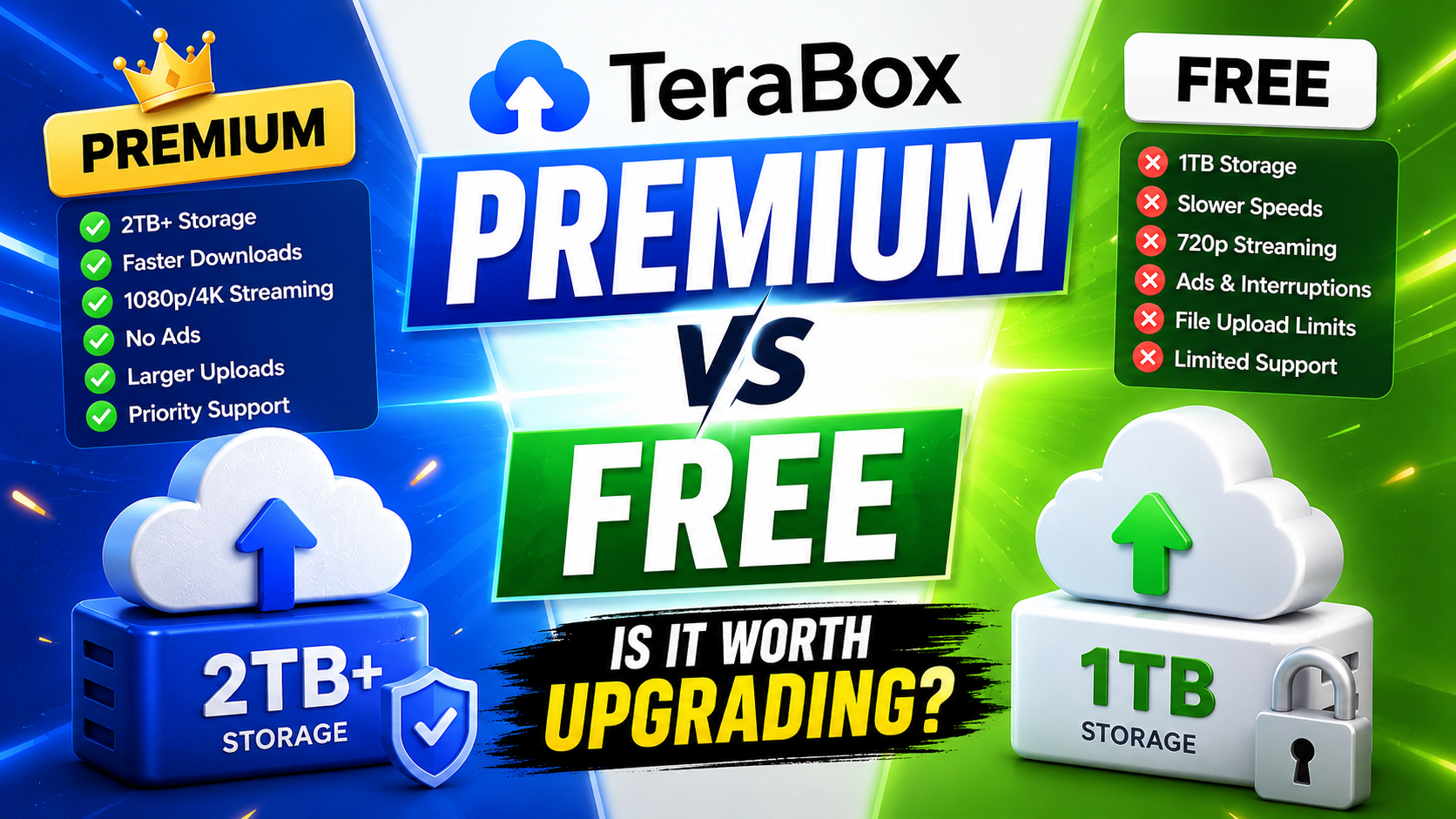
TeraBox Free vs Premium: Is Upgrading Really Worth It in 2026?