Top 5 Safe File Sharing Tips Everyone Should Know in 2026

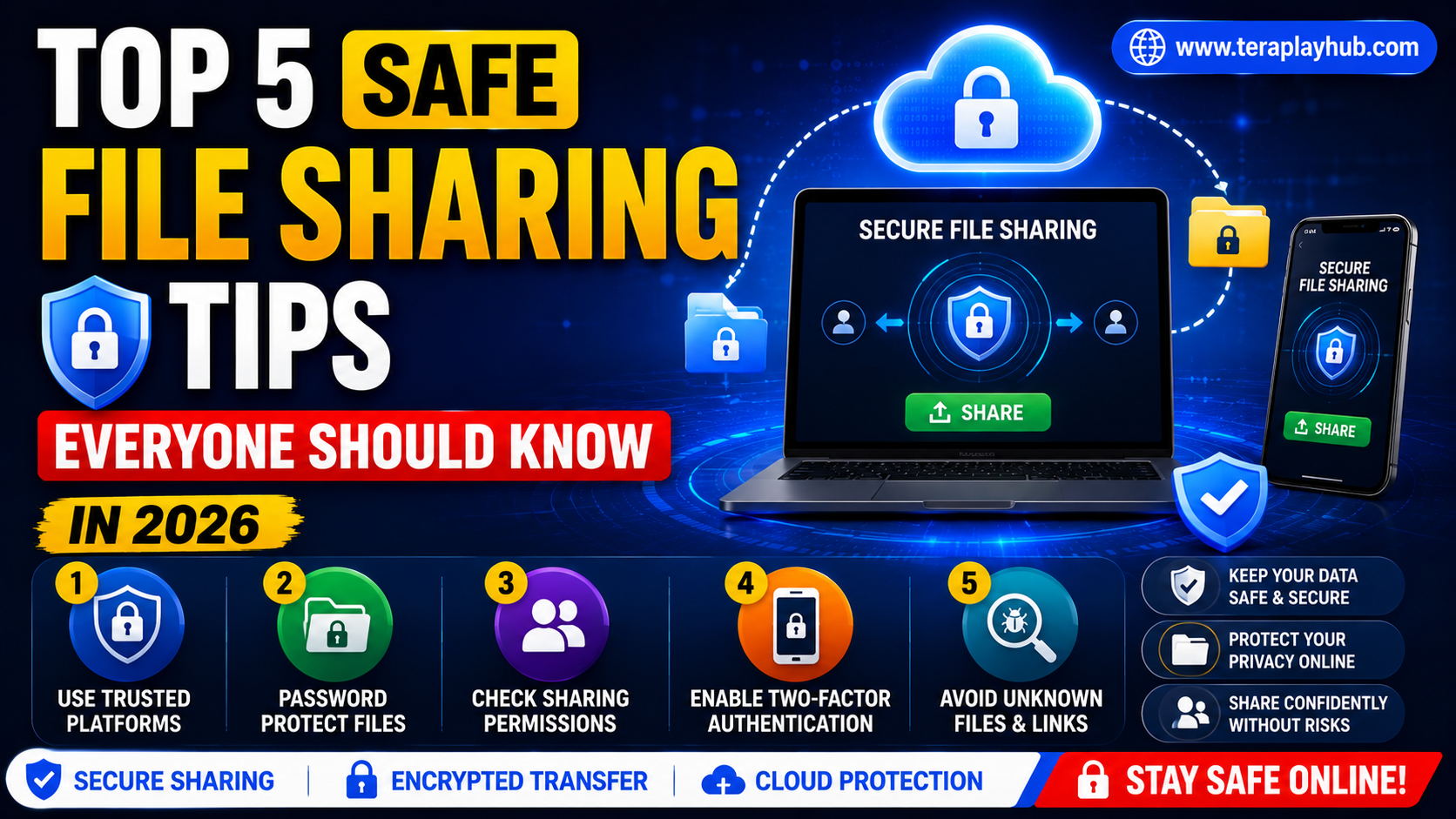
Top 5 Safe File Sharing Tips Everyone Should Know in 2026
File sharing has become part of daily life. People regularly share:
- Photos
- Videos
- Documents
- Work files
- Personal backups
- Cloud storage links
Whether you use:
- Google Drive
- TeraBox
- Dropbox
- OneDrive
- MEGA
sharing files online is now easier than ever.
But there is also a growing problem.
Cyber threats, phishing attacks, fake links, malware, and privacy leaks are increasing every year. Many users unknowingly expose personal data while sharing files online.
That’s why safe file sharing is more important than ever in 2026.
In this guide, you will learn the top file sharing safety tips explained in simple language for beginners and everyday users.
These tips help protect:
- Personal files
- Cloud accounts
- Private documents
- Sensitive information
Let’s start.
Why Safe File Sharing Matters
Many people think file sharing is harmless.
But unsafe sharing can lead to:
- Account hacking
- Data leaks
- Malware infection
- Identity theft
- Privacy problems
Even a small mistake like sharing the wrong link publicly can expose personal information.
Good security habits reduce these risks significantly.
Tip 1: Always Use Trusted Cloud Storage Platforms
The first rule of safe file sharing is using reliable platforms.
Trusted services include:
- Google Drive
- OneDrive
- Dropbox
- MEGA
- iCloud
These companies use advanced security systems and encrypted connections.
Why Trusted Platforms Are Safer
Reliable cloud services provide:
- Encrypted data transfer
- Secure login systems
- Backup protection
- Account recovery options
- Malware scanning
Unknown websites often lack these protections.
Avoid Suspicious File Sharing Sites
Never upload important files to random websites you do not trust.
Some risky platforms may:
- Steal data
- Show dangerous ads
- Inject malware
- Leak private files
Always research platforms before uploading sensitive information.
Tip 2: Protect Shared Files with Passwords
Password protection adds an extra layer of security.
Even if someone gets the sharing link, they still need the password to open the file.
When to Use Password Protection
Use passwords when sharing:
- Financial documents
- Personal photos
- Business files
- ID proofs
- Private backups
Sensitive files should never be publicly accessible.
How Strong Passwords Help
A strong password should include:
- Uppercase letters
- Lowercase letters
- Numbers
- Symbols
Example:
- Weak: 123456
- Strong: G7@SafeCloud2026
Avoid simple passwords that hackers can guess easily.
Tip 3: Be Careful with Public Sharing Links
One of the most common mistakes is creating public links accidentally.
Some cloud services allow:
- Public access
- Anyone with link access
- Open indexing
This can expose files to strangers.
Always Check Sharing Permissions
Before sending a link, verify:
| Permission Type | Safety Level |
|---|---|
| Public Access | Low |
| Anyone with Link | Medium |
| Restricted Access | Best |
Restricted access is usually the safest option.
Remove Old Shared Links
Old sharing links may remain active for years.
Regularly review and delete unused shared links.
This reduces future privacy risks.
Tip 4: Enable Two-Factor Authentication (2FA)
Two-factor authentication is one of the most effective security tools available today.
It adds a second verification step during login.
How 2FA Works
After entering your password:
- A verification code is sent
- You confirm login using your phone
- Access becomes more secure
Even if someone steals your password, they still cannot access the account easily.
Why 2FA is Important
Cloud accounts often contain:
- Personal photos
- Important documents
- Backup data
- Financial information
Protecting these accounts is extremely important.
Most Platforms Support 2FA
Popular cloud services support two-factor authentication, including:
- Google Drive
- Dropbox
- OneDrive
- MEGA
Always enable it if possible.
Tip 5: Avoid Downloading Unknown Shared Files
Many cyber attacks happen through fake shared files.
Hackers sometimes disguise malware as:
- PDF files
- ZIP archives
- Videos
- Software installers
Opening dangerous files can infect your device.
Warning Signs of Dangerous Files
Be careful if:
- File names look suspicious
- Sender is unknown
- File extension seems unusual
- Download page contains excessive ads
Always stay cautious.
Scan Files Before Opening
Use antivirus software to scan downloaded files before opening them.
This simple step can prevent major security problems.
Bonus Tip: Keep Backup Copies of Important Files
Cloud storage is useful, but important files should also have offline backups.
Experts recommend:
- External hard drive backups
- USB backups
- Multiple cloud copies
This protects against accidental deletion or account problems.
Common File Sharing Mistakes People Make
Here are some common mistakes users should avoid.
Sharing Personal Information Publicly
Never upload:
- Passport scans
- Banking details
- Password screenshots
- Private IDs
to public folders.
Reusing Weak Passwords
Using the same password everywhere increases security risks.
Clicking Unknown Links
Phishing scams often use fake cloud storage links.
Always verify URLs carefully.
Ignoring Security Notifications
If your cloud platform warns about suspicious login activity, take it seriously.
Best Practices for Secure File Sharing
Here are some smart habits for safer sharing.
| Good Practice | Benefit |
|---|---|
| Use trusted platforms | Better protection |
| Enable 2FA | Stronger account security |
| Use strong passwords | Harder to hack |
| Review sharing permissions | Better privacy |
| Backup important files | Prevents data loss |
Small habits can make a big difference.
Safe File Sharing for Students
Students often share:
- Notes
- Assignments
- PDFs
- Projects
Important tips for students:
- Avoid public links for private projects
- Use school-approved platforms
- Verify file recipients carefully
Safe File Sharing for Businesses
Businesses handle sensitive information daily.
Security becomes even more important.
Companies should:
- Use encrypted sharing systems
- Limit employee access
- Train staff about phishing
- Monitor file activity
Business data leaks can become very costly.
Is Cloud File Sharing Safe?
Yes, cloud sharing is generally safe when done properly.
Modern platforms use:
- Encryption
- Secure servers
- Account protection
- Malware scanning
However, user behavior still plays a major role in security.
Frequently Asked Questions
What is the safest way to share files online?
Using trusted cloud platforms with password protection and two-factor authentication is one of the safest methods.
Are public file sharing links dangerous?
They can be risky if sensitive files are shared publicly by mistake.
Which cloud storage is safest?
Google Drive, OneDrive, and MEGA are considered highly secure platforms.
Can shared files contain viruses?
Yes, malicious files can spread malware. Always scan unknown downloads.
Final Words
Safe file sharing is no longer optional in 2026.
As cloud storage usage continues growing, protecting personal files and online privacy becomes more important every year.
By following these simple tips, you can:
- Share files more safely
- Protect sensitive information
- Reduce hacking risks
- Improve cloud security
- Avoid common online scams
The good news is that staying safe online does not require advanced technical knowledge.
Simple habits like:
- Using strong passwords
- Enabling two-factor authentication
- Checking sharing permissions
- Avoiding suspicious files
can greatly improve your security.
We hope this guide helped you understand the most important safe file sharing tips everyone should know in 2026.
Most Popular Posts

How to Use TeraBox on Smart TV (Samsung, Android TV & Fire TV)

TeraBox for PC: Web Version vs Desktop App (Complete 2026 Comparison Guide)

TeraBox Storage Full? How to Clean Up and Manage 1TB Data Efficiently
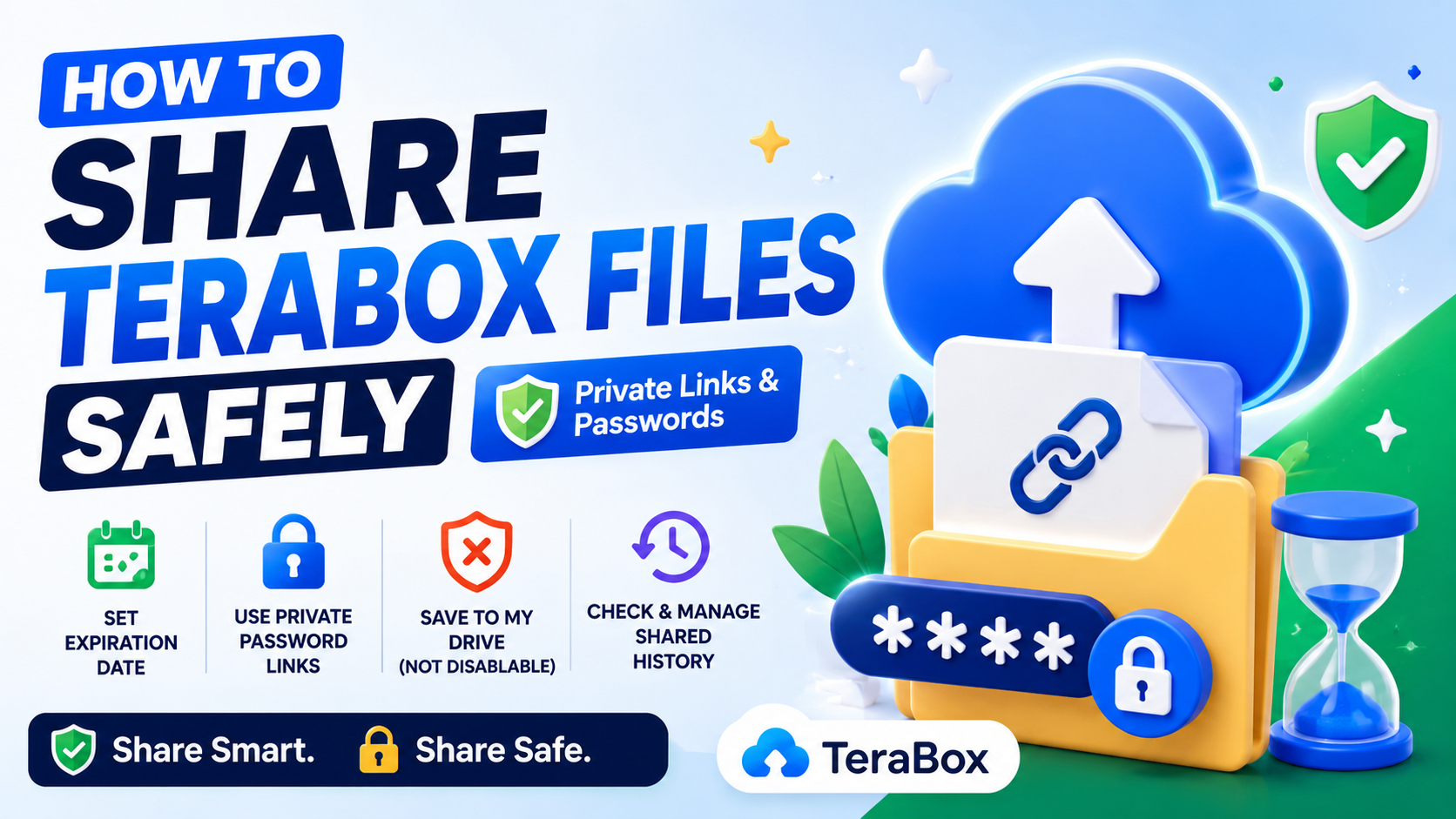
How to Share TeraBox Files Safely in 2026 (Private Links, Passwords & Security Tips)

TeraBox Free vs Premium: Is Upgrading Really Worth It in 2026?