Top 3 Video Players for Playing TeraBox Files on Android & PC (2026 Guide)

Top 3 Video Players for Playing TeraBox Files on Android & PC (2026 Guide)
Downloading videos from TeraBox is easy, but sometimes playing them is not.
Many users face problems like:
- Video not opening
- No sound during playback
- AC3 audio errors
- Black screen issues
- Subtitles not appearing
- Laggy 4K playback
- Unsupported format warnings
The truth is that many default phone and computer video players are too limited for modern video formats.
That is why choosing the right media player is extremely important.
In this guide, we will compare the best video players for TeraBox users on Android and PC based on performance, format support, subtitle handling, and overall viewing experience.
Why TeraBox Videos Sometimes Fail to Play
TeraBox files are often uploaded in advanced video formats such as:
- MKV
- HEVC (H.265)
- 10-bit HDR
- Dolby Audio
- AC3 audio
- High bitrate MP4
Many default media players cannot properly decode these formats.
This causes:
- Missing audio
- Playback crashes
- Sync problems
- Lagging videos
A powerful third-party player solves most of these issues instantly.
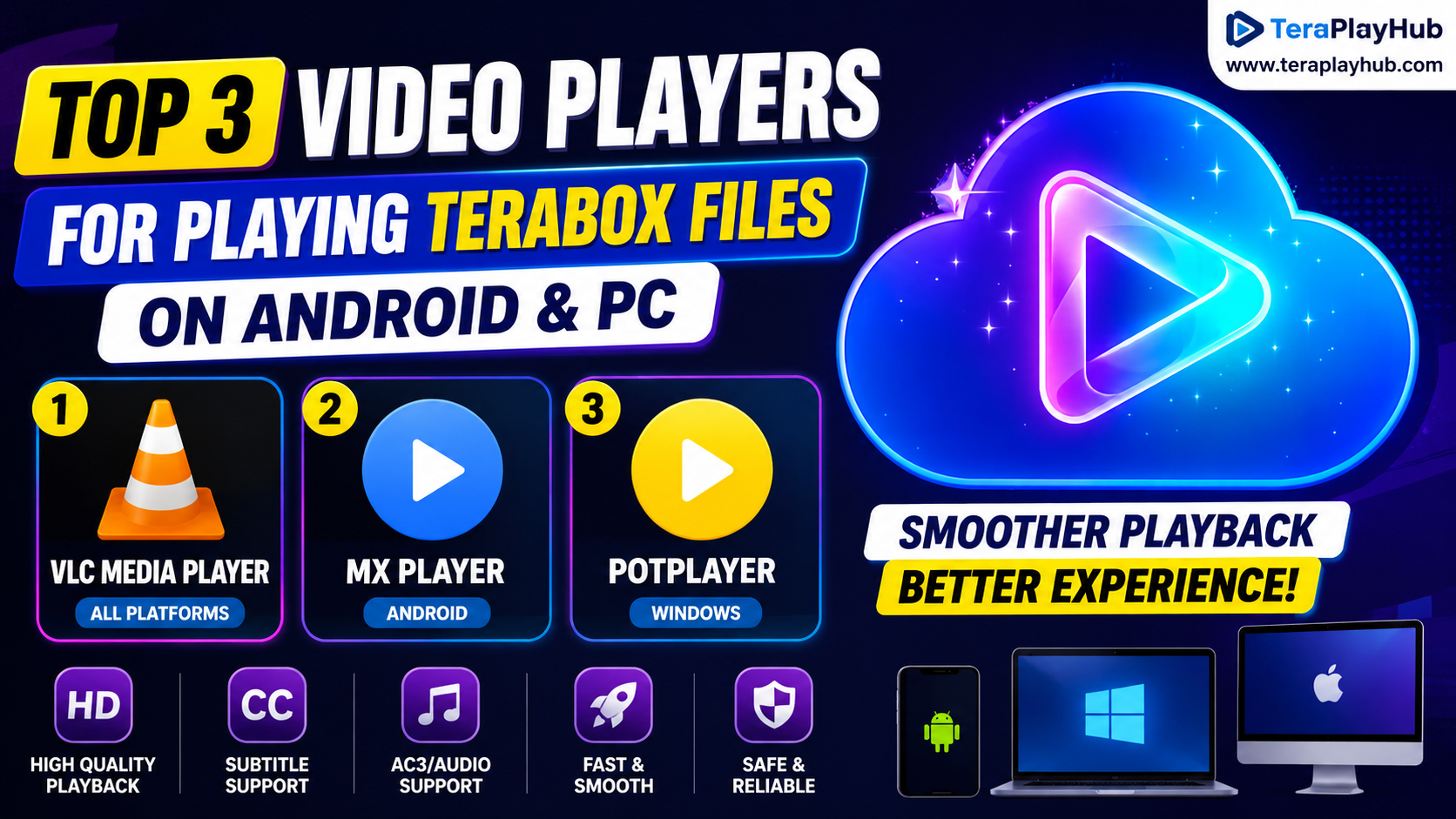
1. VLC Media Player (Best Overall)
Platform Support
- Android
- Windows
- macOS
- Linux
- iPhone/iPad
VLC remains one of the most trusted media players in the world.
If a file refuses to play in VLC, there is a good chance the file itself is damaged.
Why VLC Is Perfect for TeraBox Users
VLC supports almost every video and audio format without requiring extra codecs.
It handles:
- MKV videos
- MP4 files
- HEVC/H.265
- AC3 audio
- DTS audio
- Subtitle formats
- 4K playback
This makes it ideal for large TeraBox movie downloads.
VLC Advantages
Completely Free
There are:
- No ads
- No subscriptions
- No hidden payments
Excellent Subtitle Support
VLC automatically detects many subtitle formats including:
- SRT
- ASS
- SSA
- SUB
You can also manually adjust subtitle timing easily.
Smooth 4K Playback
VLC performs well even with high-quality video files if your device supports hardware acceleration.
Network Streaming Support
Advanced users can stream direct network links using VLC on PC.
This can sometimes reduce download time when accessing cloud videos.
VLC Drawbacks
Although VLC is powerful, some users find:
- The interface slightly outdated
- Mobile gesture controls less advanced
- Large libraries harder to organize
Still, VLC remains one of the safest and most reliable choices overall.
2. MX Player (Best for Android)
Platform Support
- Android smartphones
- Android tablets
- Android TV
MX Player is one of the most popular Android video players ever created.
It is especially loved for its smooth controls and mobile-friendly experience.
Why Android Users Love MX Player
Watching long videos on a small phone screen can be frustrating.
MX Player solves this using advanced gesture controls.
You can:
- Swipe left/right to seek
- Swipe up/down for brightness
- Pinch to zoom
- Lock screen controls
- Adjust playback speed quickly
This makes mobile viewing much more comfortable.
Hardware Acceleration (HW+)
MX Player supports advanced hardware decoding.
Benefits include:
- Smoother playback
- Lower battery usage
- Better HD performance
- Reduced overheating
This is very useful for long TeraBox movie sessions.
Subtitle Features
MX Player supports advanced subtitle customization including:
- Font size
- Subtitle color
- Position adjustment
- Timing synchronization
Anime and foreign movie fans especially appreciate these features.
MX Player Downsides
The free version contains advertisements inside menus.
However:
- Ads usually do not interrupt playback
- Performance remains excellent
Some premium codecs may also require manual installation on certain devices.
3. PotPlayer (Best for Windows Power Users)
Platform Support
- Windows PC only
PotPlayer is less famous than VLC, but many advanced users prefer it because of its incredible customization.
It is lightweight, fast, and extremely powerful.
Why PotPlayer Is Great for TeraBox Downloads
PotPlayer handles large video libraries extremely well.
It supports:
- HDR videos
- HEVC playback
- Advanced subtitles
- GPU acceleration
- Custom audio filters
Performance is excellent even on mid-range PCs.
Best Feature: Subtitle Sync Control
One of PotPlayer's strongest features is subtitle timing adjustment.
If subtitles are delayed by:
- 1 second
- 2 seconds
- even milliseconds
you can instantly correct them using keyboard shortcuts.
This is incredibly useful for downloaded TeraBox movies.
Very Lightweight
PotPlayer uses surprisingly low system resources.
Compared to many modern media players, it feels extremely fast.
Older Windows PCs benefit greatly from this.
PotPlayer Downsides
Because of its advanced customization, beginners may initially find:
- Too many settings
- Complex menus
- Slight learning curve
But experienced users usually love the flexibility.
Bonus Option: Browser-Based Streaming
Some users do not want to install any software at all.
In that case, browser-based streaming tools can help with:
- Instant playback
- Quick previews
- Direct watching
- No installation required
This is useful for casual users who simply want to watch shared content quickly.
Which Player Should You Choose?
Best Overall
VLC Media Player
Best for users who want:
- Maximum compatibility
- Free experience
- Stable playback
- Cross-platform support
Best for Android Users
MX Player
Perfect for:
- Mobile movie watching
- Gesture controls
- Battery efficiency
- Smooth Android playback
Best for Windows Power Users
PotPlayer
Ideal for:
- Large movie collections
- Advanced subtitle control
- Performance tuning
- High-quality playback
Common Problems These Players Can Fix
Using a better player can solve issues like:
- “Audio format not supported”
- No sound in movies
- Green screen playback
- Subtitle mismatch
- Video lagging
- Playback crashes
- HEVC decoding errors
In many cases, the video file itself is completely fine — only the default player is weak.
Final Verdict
TeraBox users often download high-quality media files that require more powerful playback software.
The default video player on phones or PCs is usually not enough for modern formats like MKV, HEVC, HDR, or AC3 audio.
For most users:
- VLC is the safest all-round choice
- MX Player offers the best Android experience
- PotPlayer is perfect for advanced Windows users
Choosing the right video player can completely transform your streaming and movie experience.
Most Popular Posts
How to Use TeraBox on Smart TV (Samsung, Android TV & Fire TV)
TeraBox for PC: Web Version vs Desktop App (Complete 2026 Comparison Guide)
How to Share TeraBox Files Safely in 2026 (Private Links, Passwords & Security Tips)
TeraBox Storage Full? How to Clean Up and Manage 1TB Data Efficiently
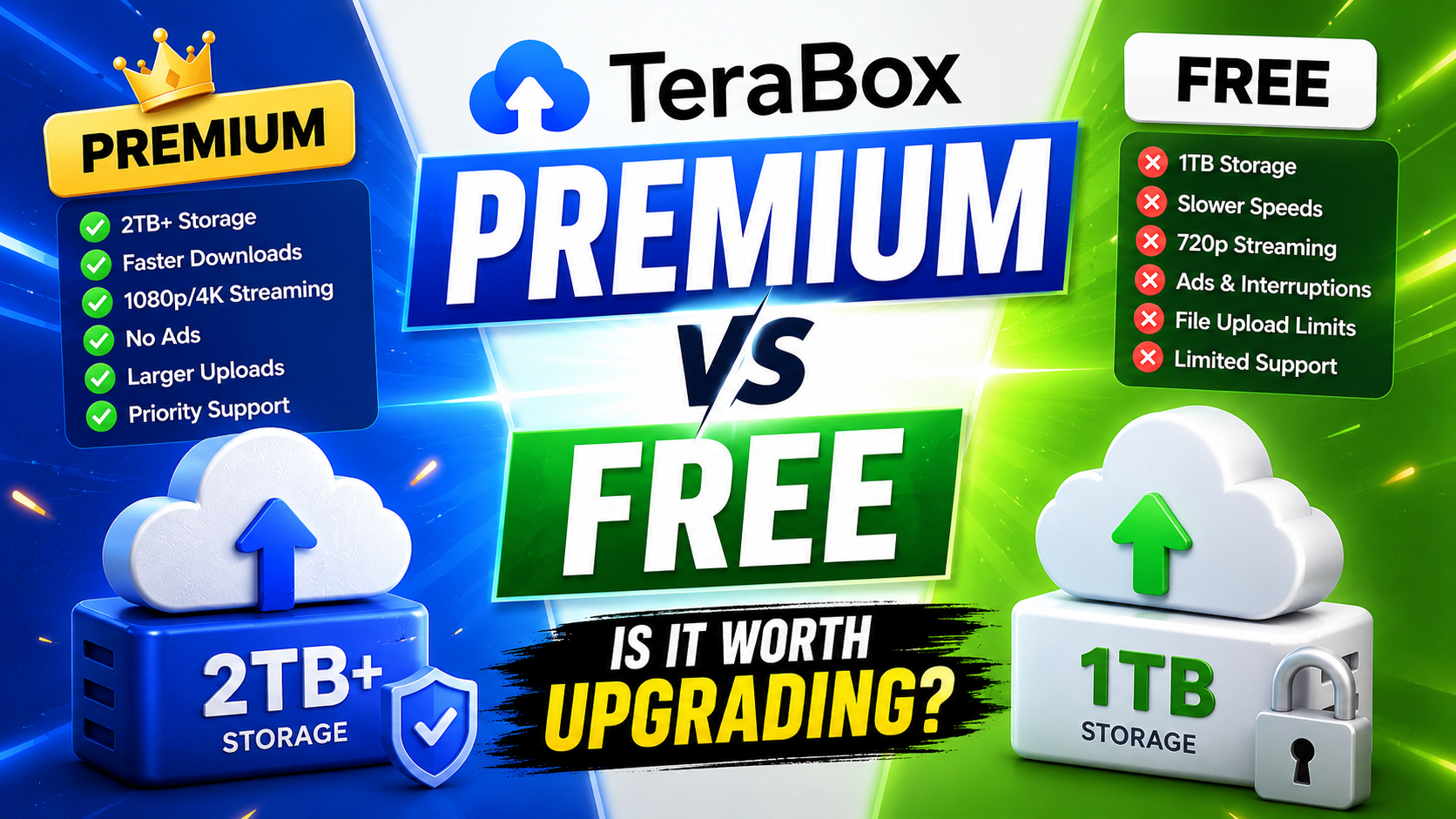
TeraBox Free vs Premium: Is Upgrading Really Worth It in 2026?