How to Watch TeraBox Videos Online Without Downloading in 2026 (Fast Streaming Guide)

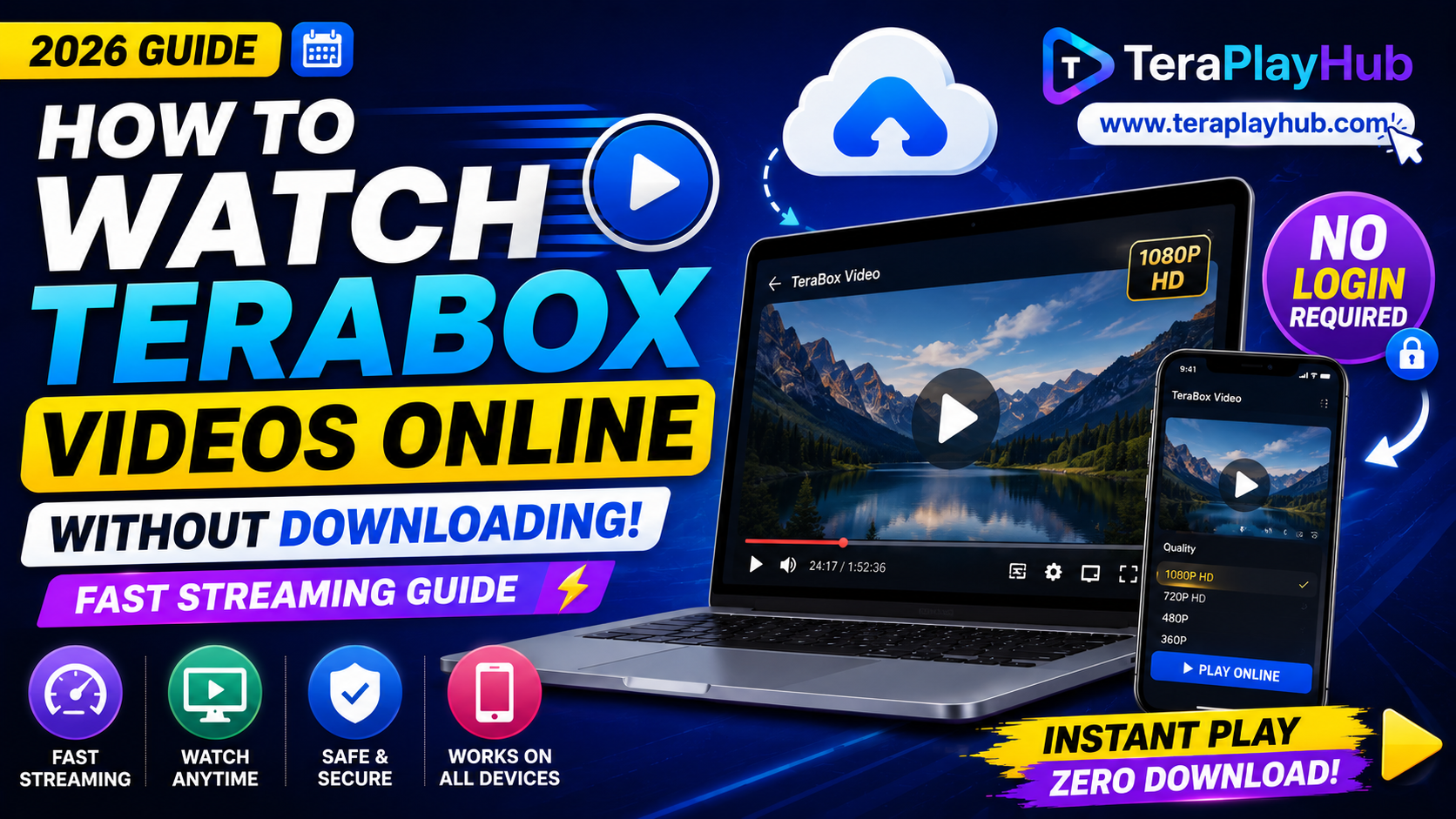
How to Watch TeraBox Videos Online Without Downloading in 2026 (Fast Streaming Guide)
Downloading large video files every time you want to watch something can be frustrating. Sometimes your phone storage is full, your internet is limited, or you simply want to watch the video instantly without waiting for a complete download.
Fortunately, modern browser-based streaming solutions now make it possible to watch TeraBox videos online without downloading the file first.
In this guide, we will explain the easiest and fastest ways to stream TeraBox videos directly inside your browser using TeraPlayHub.
Whether you are using Android, iPhone, Windows PC, MacBook, or Smart TV, this method works smoothly in 2026.
Why Users Prefer Online Streaming Instead of Downloading
Many users now prefer streaming instead of downloading full files.
Here are the main reasons.
1. Save Device Storage
Modern movies and high-quality videos can easily exceed:
- 2GB
- 5GB
- 10GB+
Downloading these files quickly fills up phone and laptop storage.
Streaming lets you watch instantly without consuming space.
2. Faster Access
Instead of waiting 20–30 minutes for a large file to finish downloading, streaming allows you to start watching within seconds.
This is especially useful for:
- Tutorials
- Movies
- Short clips
- Educational content
- Shared videos from friends
3. Better for Mobile Users
Many users have limited storage on Android or iPhone devices.
Online playback avoids unnecessary downloads and keeps devices clean and fast.
4. No Extra Apps Required
One of the biggest frustrations with cloud storage links is forced app installation.
Browser-based streaming removes this problem completely.
You only need:
- Chrome
- Safari
- Firefox
- Edge
- Brave Browser
No installation required.
Problems with the Official TeraBox Player
Although TeraBox includes a native preview system, many users experience issues while using it.
Common problems include:
- Slow buffering
- Login requirements
- Video quality restrictions
- Popup ads
- Limited playback controls
- Forced app redirects
These limitations reduce the viewing experience, especially for free users.
Better Solution: Watch Videos Using TeraPlayHub
TeraPlayHub provides a browser-based streaming solution designed specifically for TeraBox shared links.
Instead of downloading files manually, users can stream videos directly online in HD quality.
Main Features of TeraPlayHub Video Player
Fast Streaming
The player loads videos quickly and reduces unnecessary waiting time.
Most videos begin playing within seconds depending on internet speed.
No Login Required
You do not need to:
- Create accounts
- Verify emails
- Install apps
Simply paste the link and start watching.
HD Video Support
The player supports multiple resolutions including:
- 360p
- 480p
- 720p
- 1080p
Video quality adjusts automatically based on internet speed.
Adaptive Streaming Technology
Similar to YouTube and Netflix, the player automatically changes quality to prevent buffering.
If your internet slows down temporarily:
- the video switches to lower quality
- playback continues smoothly
When the connection improves, HD quality returns automatically.
How to Watch TeraBox Videos Online
Follow these simple steps.
Step 1: Copy the TeraBox Link
Open the shared TeraBox URL from:
- Telegram
- Discord
- Social media
Copy the complete link.
Example:
https://terabox.com/s/example-link
Step 2: Open TeraPlayHub
Launch your browser and visit:
www.teraplayhub.com
Step 3: Paste the Link
Paste the copied TeraBox URL into the input box.
Click:
- Play Online or
- Stream Video
Step 4: Start Watching
The player loads the video automatically.
You can now:
- Watch instantly
- Use fullscreen mode
- Change video quality
- Control volume
- Skip forward/backward
- Stream without downloading
Supported Devices
TeraPlayHub works smoothly across almost all modern devices.
Android Phones
Works perfectly in:
- Chrome
- Brave Browser
- Firefox
No APK installation needed.
iPhone & iPad
Compatible with:
- Safari
- Chrome for iOS
Streaming works directly inside the browser.
Windows & Mac
Desktop users can stream videos without downloading large files locally.
Ideal for:
- Movies
- Tutorials
- Online classes
- Shared office videos
Smart TVs
Many Smart TV browsers now support direct playback.
You can even cast videos from your phone or laptop to a TV screen.
Supported Video Formats
The player supports many popular formats.
Including:
- MP4
- MKV
- AVI
- MOV
- WEBM
This improves compatibility with shared movie and tutorial files.
Tips for Smooth Streaming
To avoid buffering and lag, follow these recommendations.
Use Stable Wi-Fi
Streaming quality depends heavily on internet stability.
A strong Wi-Fi connection provides smoother playback.
Lower Quality on Mobile Data
If you use mobile internet, select:
- 360p or
- 480p
This reduces data usage significantly.
Close Background Apps
Apps running in the background may slow your connection.
Pause:
- Downloads
- Cloud backups
- Game updates
- Streaming apps
while watching videos.
Keep Browser Updated
Modern browsers improve:
- Video decoding
- Streaming performance
- Stability
- Security
Always update your browser regularly.
Is Streaming Safer Than Downloading?
For many users, yes.
Streaming helps avoid:
- Large storage usage
- Unnecessary downloads
- File clutter
You only watch the content you need without permanently saving files on your device.
Frequently Asked Questions
Can I watch videos without downloading?
Yes.
TeraPlayHub allows direct browser-based streaming.
Do I need an account?
No.
No registration or login is required.
Does this work on iPhone?
Yes.
Streaming works properly on Safari and Chrome for iPhone users.
Can I watch Full HD videos?
Yes.
Supported videos can stream up to 1080p depending on internet speed.
Final Thoughts
Downloading huge video files is no longer necessary for casual viewing.
Modern streaming technology allows users to watch TeraBox videos instantly inside their browser without wasting storage space or installing extra applications.
TeraPlayHub makes the entire process simpler, faster, and more convenient for users across Android, iPhone, Windows, Mac, and Smart TVs.
Whether you want to watch a movie, tutorial, lecture, or shared clip, browser-based streaming provides a cleaner and more efficient experience in 2026.
As internet speeds improve and online media consumption grows, instant cloud streaming is becoming the preferred method for modern users worldwide.
Keywords: watch TeraBox online, TeraBox streaming, TeraBox player, TeraPlayHub video player, watch TeraBox videos without downloading, browser video streaming, TeraBox HD streaming, online cloud video player
Most Popular Posts
How to Use TeraBox on Smart TV (Samsung, Android TV & Fire TV)
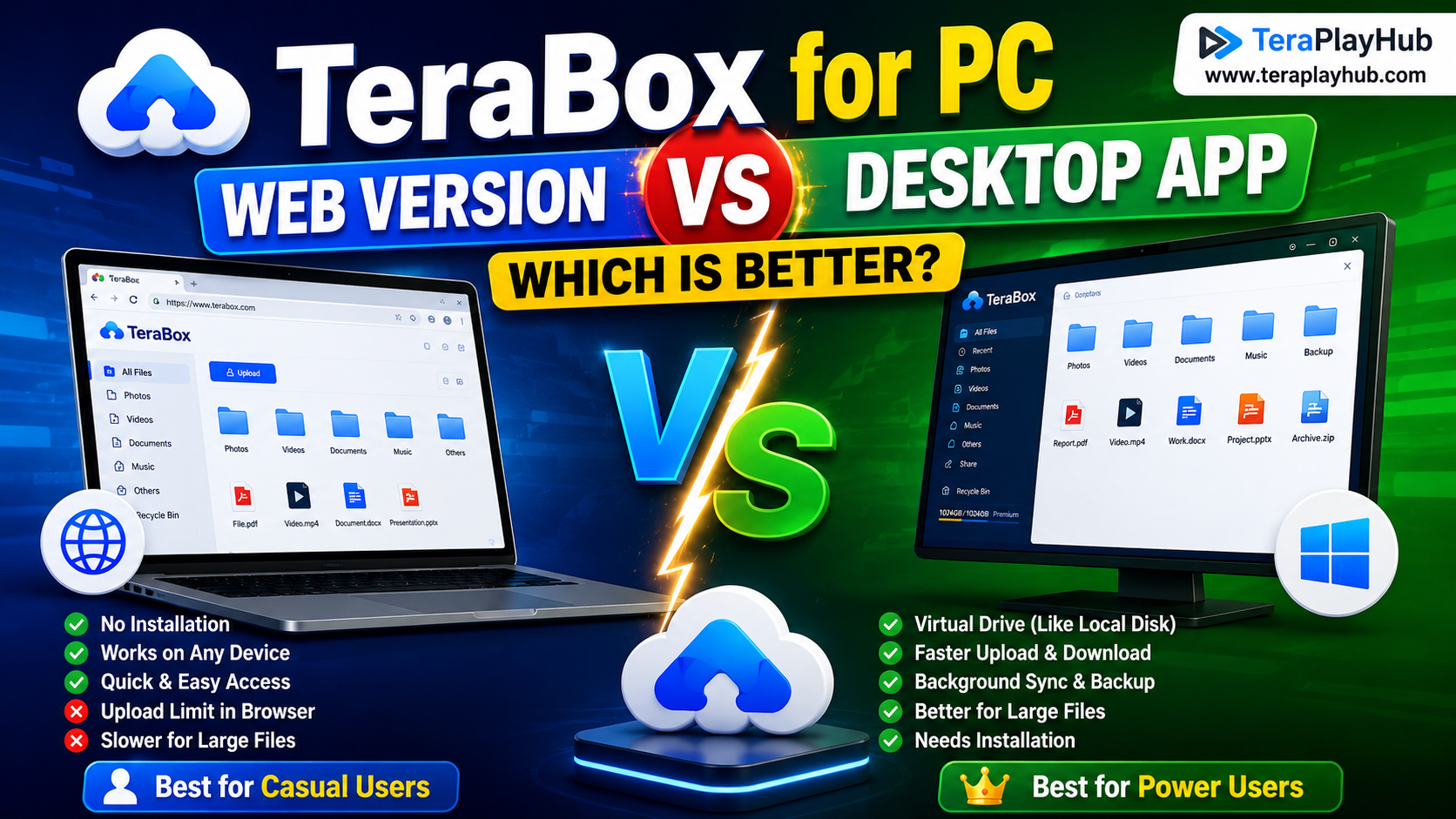
TeraBox for PC: Web Version vs Desktop App (Complete 2026 Comparison Guide)
How to Share TeraBox Files Safely in 2026 (Private Links, Passwords & Security Tips)
TeraBox Storage Full? How to Clean Up and Manage 1TB Data Efficiently
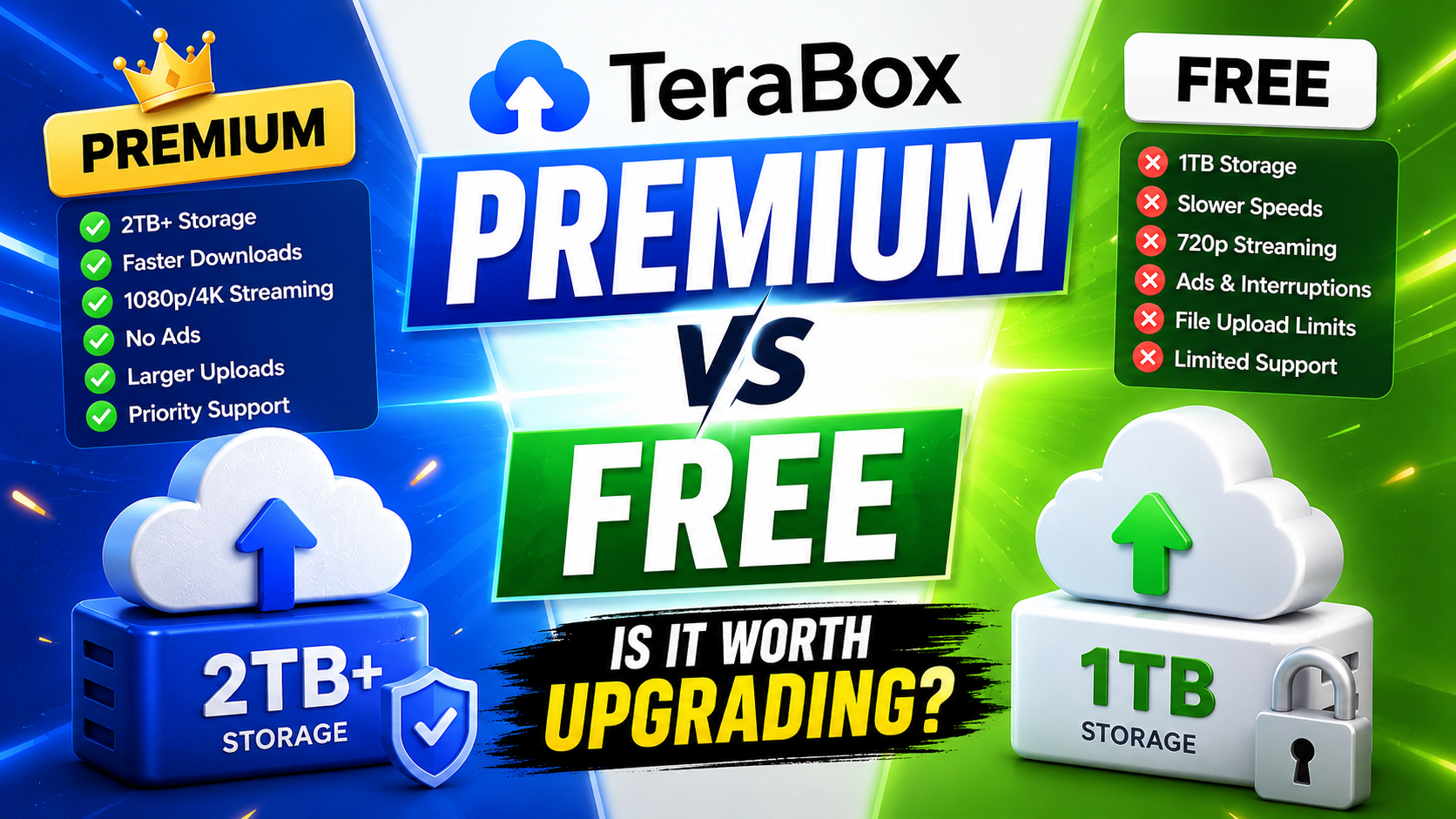
TeraBox Free vs Premium: Is Upgrading Really Worth It in 2026?