Why Your Android Battery Drains Fast & How to Fix It (2026 Complete Guide)

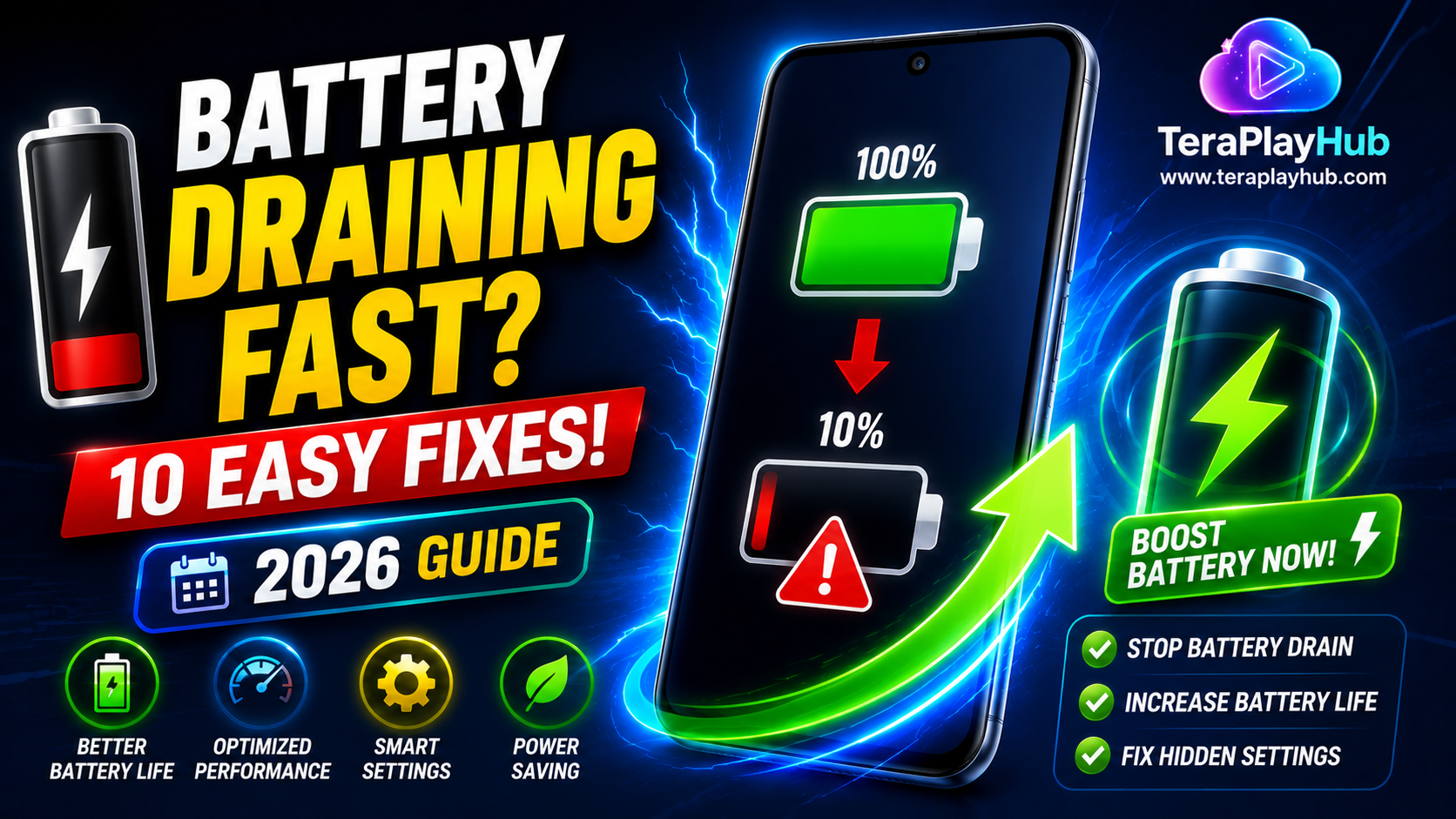
Why Your Android Battery Drains Fast & How to Fix It (2026 Complete Guide)
One of the most common complaints among Android users is poor battery life. You charge your phone to 100%, but within a few hours the battery drops significantly even with normal use.
Whether you're using a flagship device or a budget smartphone, battery drain can become frustrating if you don't understand what's causing it.
The good news is that most battery issues can be fixed without replacing your phone or battery.
In this complete guide, we'll explain why Android batteries drain quickly and show you practical ways to improve battery life.
Why Android Batteries Drain Fast
Battery drain usually isn't caused by a single issue.
Instead, it's often a combination of:
- High screen brightness
- Background apps
- Poor signal strength
- GPS usage
- Social media apps
- Battery aging
- Excessive notifications
- Software issues
Let's examine each cause and solution.
1. Screen Brightness Is Too High
Your display is usually the biggest battery consumer.
Many users keep brightness at:
- 80%
- 90%
- 100%
all day long.
This significantly increases battery usage.
Fix
Enable:
Settings → Display → Adaptive Brightness
or manually reduce brightness when indoors.
2. Too Many Apps Running in Background
Apps often continue working even after you close them.
Examples include:
- Telegram
- Email apps
These constantly:
- Sync data
- Check notifications
- Use mobile data
which drains battery.
Fix
Settings → Apps → Battery
Restrict battery usage for apps you don't frequently use.
3. Poor Mobile Network Signal
Many people overlook this issue.
When your phone struggles to find a network signal, it increases power usage.
Common situations:
- Basements
- Rural areas
- Underground parking
- Weak coverage zones
Fix
Use Wi-Fi whenever available.
Enable Airplane Mode if you have no signal for extended periods.
4. GPS and Location Services
Location tracking continuously uses battery power.
Apps like:
- Maps
- Ride-sharing apps
- Weather apps
often access location data frequently.
Fix
Settings → Location
Allow location access only when apps are in use.
5. High Refresh Rate Displays
Modern phones often use:
- 90Hz
- 120Hz
- 144Hz
refresh rates.
While smoother, they consume more power.
Fix
Switch to:
- 60Hz
- Adaptive Refresh Rate
for better battery life.
6. Excessive Notifications
Every notification:
- Wakes up the screen
- Activates background services
- Uses processing power
Hundreds of daily notifications can significantly impact battery performance.
Fix
Disable notifications for unnecessary apps.
7. Battery-Hungry Social Media Apps
Some apps are notorious for battery consumption.
Examples include:
- TikTok
- Snapchat
These constantly refresh content in the background.
Fix
Use:
- Lite versions
- Browser versions
when possible.
8. Battery Health Is Degrading
Lithium-ion batteries naturally wear down over time.
After a few years:
- Capacity decreases
- Charging becomes less efficient
- Battery drains faster
Signs include:
- Sudden battery drops
- Fast charging but quick discharge
- Overheating
9. Too Many Widgets
Widgets update information continuously.
Examples:
- Weather widgets
- News widgets
- Stock trackers
Each update uses:
- Battery
- Internet
- CPU resources
Fix
Keep only essential widgets.
10. Bluetooth, Wi-Fi & NFC Left On
Unused wireless services continue searching for connections.
Examples:
- Bluetooth
- NFC
- Nearby Share
- Wi-Fi scanning
Fix
Turn off features you aren't actively using.
11. Live Wallpapers
Live wallpapers consume:
- GPU resources
- Battery power
- Memory
Although visually attractive, they shorten battery life.
Fix
Use a static wallpaper instead.
12. Software Bugs
Occasionally a software update may introduce:
- Battery drain issues
- Background process errors
- App compatibility problems
Fix
Keep both Android and apps updated regularly.
Best Android Battery Settings in 2026
For maximum battery life:
✅ Adaptive Battery ON
✅ Adaptive Brightness ON
✅ Dark Mode ON
✅ Battery Saver ON
✅ Background Apps Restricted
✅ Auto Sync Limited
✅ Location Access Limited
Enable Battery Saver Mode
Battery Saver reduces:
- Background activity
- Syncing
- Visual effects
How to Enable
Settings → Battery → Battery Saver
This can significantly extend battery life during the day.
Use Dark Mode
On OLED displays, Dark Mode can save a noticeable amount of power.
Benefits:
- Lower battery consumption
- Reduced eye strain
- Better nighttime viewing
Restart Your Phone Regularly
Many users never restart their phones.
Restarting:
- Clears temporary processes
- Frees memory
- Fixes software glitches
A weekly restart can improve battery efficiency.
When Should You Replace the Battery?
Consider battery replacement if:
- Battery health is below 80%
- Phone shuts down unexpectedly
- Battery drains extremely fast
- Device overheats regularly
Replacing a worn battery often restores much of the original performance.
Common Battery Saving Myths
Myth: Closing Every App Saves Battery
Modern Android manages memory efficiently.
Constantly reopening apps can actually use more power.
Myth: Battery Saver Damages Performance
Battery Saver simply limits background activity.
It's safe and recommended when needed.
Myth: Fast Charging Destroys Batteries
Modern phones are designed for fast charging.
Using certified chargers is generally safe.
Frequently Asked Questions
Why does my battery drain overnight?
Background syncing, poor signal strength, or apps running in the background are common causes.
Is it normal to lose battery while watching videos?
Yes. Video playback uses the screen, processor, and speakers simultaneously.
Does Dark Mode really save battery?
Yes, especially on OLED and AMOLED displays.
How long should an Android battery last?
Most smartphone batteries maintain good performance for around 2–4 years depending on usage.
Final Verdict
Fast battery drain can be frustrating, but most Android battery problems have simple solutions.
By:
- Lowering brightness
- Restricting background apps
- Using Battery Saver
- Reducing notifications
- Managing location services
- Keeping software updated
you can dramatically improve battery life without spending money.
A few small changes today can add several extra hours of battery life and make your Android phone feel more reliable throughout the day.
Most Popular Posts

How to Use TeraBox on Smart TV (Samsung, Android TV & Fire TV)

TeraBox for PC: Web Version vs Desktop App (Complete 2026 Comparison Guide)

TeraBox Storage Full? How to Clean Up and Manage 1TB Data Efficiently

How to Share TeraBox Files Safely in 2026 (Private Links, Passwords & Security Tips)

Fix Video Audio Codec Problems on Android & Windows (2026)